How to Set Up a Simple Photography Booking System
Stop juggling bookings across WhatsApp, notebooks and memory. Set up a simple photography booking system for enquiries, shoots, clients and payments.
- What a photography booking system needs to track
- A five-stage booking pipeline from enquiry to delivery
- How to set it up on your phone in an afternoon
Many photographers run their business from a mix of WhatsApp chats, a paper diary, a notes app and memory. It works, until two clients ask for the same date, an advance goes unrecorded or a reminder is missed. A simple booking system fixes this.
What your booking system needs to track
| Information | Why |
|---|---|
| Date, time and venue | Avoid clashes and plan travel |
| Client name and contact details | Call, WhatsApp or email quickly |
| Event type | Wedding, pre-wedding, birthday, product, portrait |
| Booking status | Enquiry, tentative or confirmed |
| Package value | What the client agreed to pay |
| Payments received | Advance and later payments |
| Balance due | What's still outstanding |
| Notes | Special requests, shot list, team assigned |
The five-stage booking pipeline
- Enquiry. A client asks about a date. Record it immediately, even before you quote.
- Tentative. The client is interested but hasn't paid. Hold the date with an expiry ("held until Friday").
- Confirmed. The advance is paid. The date is locked. See photography advance payments.
- Shoot day. The event happens. Record any extra payments or changes.
- Delivered and paid. Photos delivered, balance cleared, booking closed.
How to set up a booking system on your phone
- Choose one tool. A dedicated booking calendar app is better than scattered notes.
- Add your event types. Wedding, engagement, maternity, product, corporate and whatever else you shoot.
- Enter every future booking. Include status, contact details and payments.
- Add past-due balances. So nothing is forgotten.
- Set reminders. For shoots, follow-ups and payment due dates.
- Back it up. So a lost phone doesn't mean a lost business.
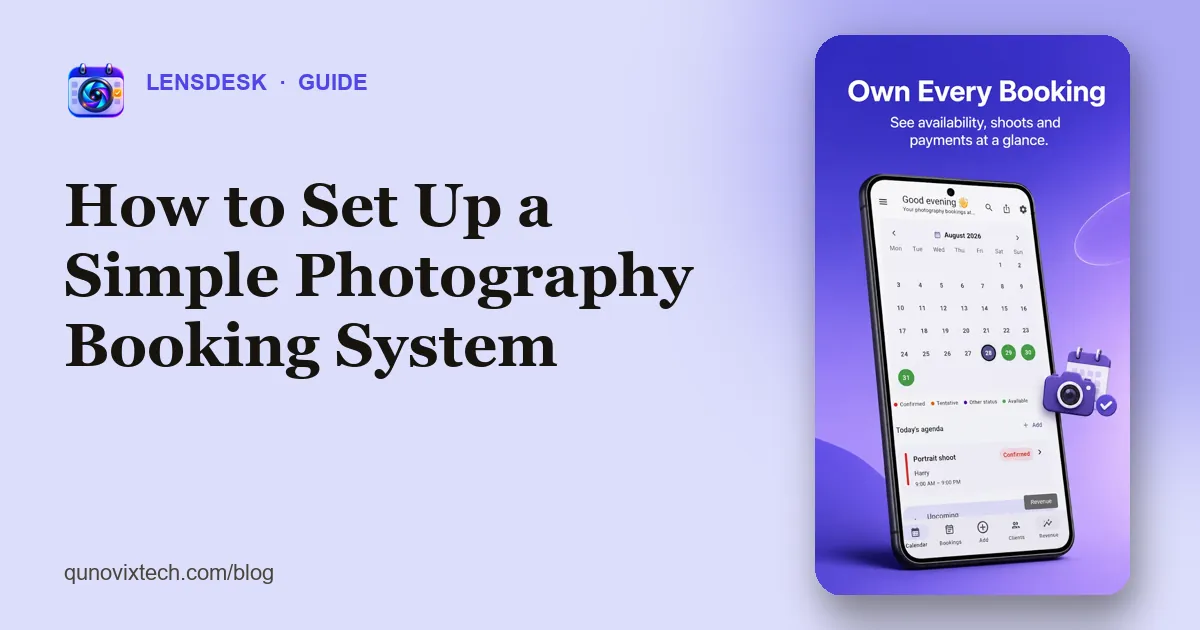
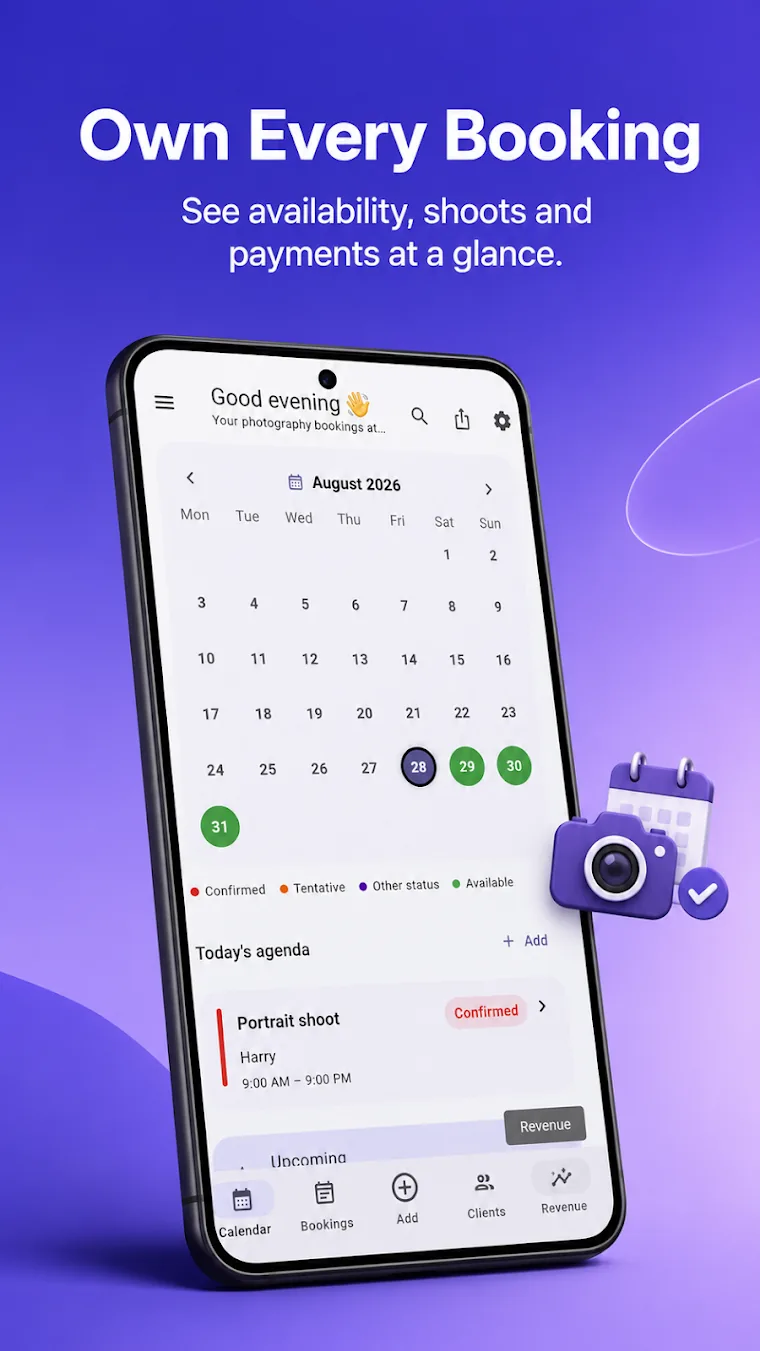
Colour-code availability
A month view where booked, tentative and free dates have different colours lets you answer "Are you free on the 14th?" in seconds, even while on a call.
Keep money visible
For each booking, record the package value, every payment received and the outstanding balance. A monthly revenue summary shows how the business is doing. See tracking photography income.
Protect against mistakes
- Overlap warnings catch double bookings before they happen (see how to avoid double booking).
- A recycle bin lets you restore a booking deleted by mistake.
- App lock protects client details on a shared phone.
- Backups protect against phone loss.
Built for photographers
LensDesk is an offline-first booking calendar for solo photographers and small teams. It covers enquiries, tentative and confirmed bookings, client contacts, advances and balances, reminders, custom event types, monthly revenue, CSV/PDF export and a 30-day recycle bin. Optional Google Calendar and Google Drive connections are available if you want them.
Key takeaways
- Track date, venue, client, status, package, payments and balance for every booking.
- Use a five-stage pipeline: enquiry, tentative, confirmed, shoot, delivered.
- Colour-code availability so you can answer date questions instantly.
- Protect your data with overlap warnings, a recycle bin, app lock and backups.
Frequently asked questions
What is the best way to manage photography bookings?
Use one dedicated system that tracks dates, clients, status and payments, rather than scattered chats and notes.
Should I record enquiries that haven't booked yet?
Yes. Recording every enquiry helps you follow up and see demand for popular dates.
What's the difference between tentative and confirmed bookings?
Tentative bookings are held without payment, usually for a short time. Confirmed bookings have a paid advance.
Can I manage bookings without internet?
With an offline-first app like LensDesk, the core calendar, client and payment features work without internet.

We're an independent app studio in Pune, India. We build LensDesk-Photographer Calendar and write these guides from what we learn making it and from the questions our users send us. Spotted an error? Email qunovixtechnologies@gmail.com.