English To HindiTranslator
English and Hindi, typed, spoken or snapped.
Translate words and sentences both ways, speak instead of typing, hold a two-person conversation, or point your camera at a sign or menu. Listen to the result, save the useful ones and look up words in the dictionary.
- Category
- Education
- Price
- Free
- Languages
- English ⇄ Hindi
- Input
- Text · Voice · Camera
What's inside.
Everything you need to get from English to Hindi and back.
Two-way translation
Translate English to Hindi and Hindi to English. Copy or share the result.
- English to Hindi
- Hindi to English
- Copy & share
Voice translation
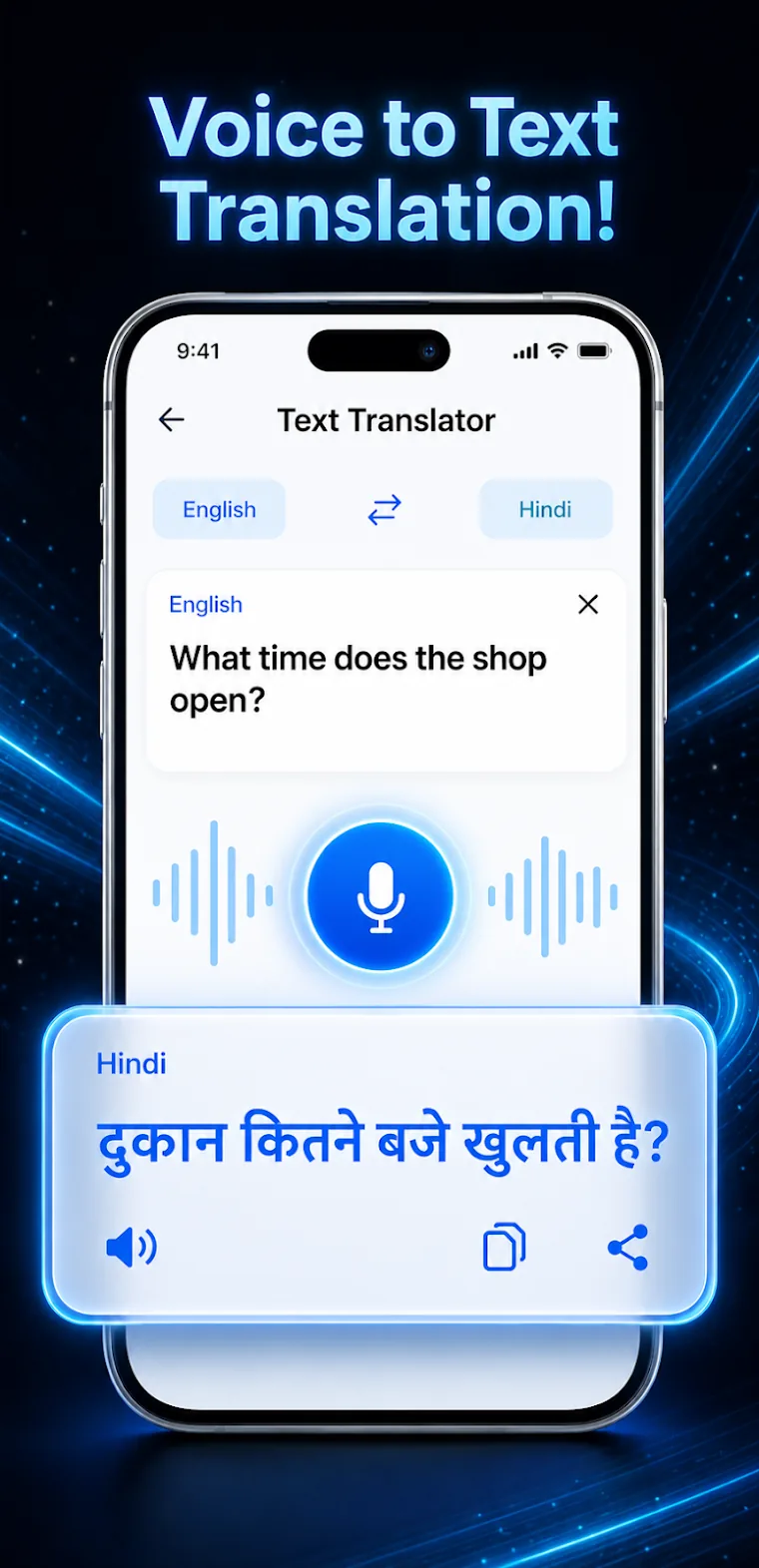
Speak instead of typing. The app recognises your speech and can read the translation aloud.
- Voice input
- Text-to-speech
Conversation mode
Each speaker gets their own microphone, and translations appear in an easy chat layout.
- Two-person chat
- Separate microphones
Camera translation
Capture text from signs, documents, menus and books, then translate it.
- English & Devanagari OCR
- Works on printed text
English-Hindi dictionary
Search useful words in both languages and come back to them later.
- Built-in dictionary
- Favourites & history
Made comfortable
Adjust voice speed and font size, and switch between light and dark themes.
- Voice speed
- Font size
- Light & dark
Take a look.
Handy, wherever you are.
A few things worth knowing before you start.
Save what matters
Keep useful translations in favourites and manage your translation history.
Hear it said
Listen to translations to help with pronunciation and conversation.
Free to use
English To Hindi Translator contains ads and optional in-app purchases.
Which languages does it support?
English and Hindi, in both directions.
Can I translate text from a photo?
Yes. Use the camera to capture printed text such as signs, menus or documents. The app recognises English and Devanagari text and translates it.
How does conversation mode work?
The English and Hindi speakers each get their own microphone. Translated messages appear in a chat layout, so both people can follow along.
Can the app read translations aloud?
Yes. Text-to-speech reads the translation, and you can adjust the voice speed.
Say it in Hindi.
Type it, speak it or snap it, and get the translation in seconds.
You might also like.