WeightTrackWeight Tracker
See how far you've come, one weigh-in at a time.
Record your weight, understand your progress and stay focused on your goal, whether that's losing, gaining or maintaining. Clear trends, no clutter.
- Category
- Health & Fitness
- Price
- Free
- Units
- kg or lb
- Your data
- On your device
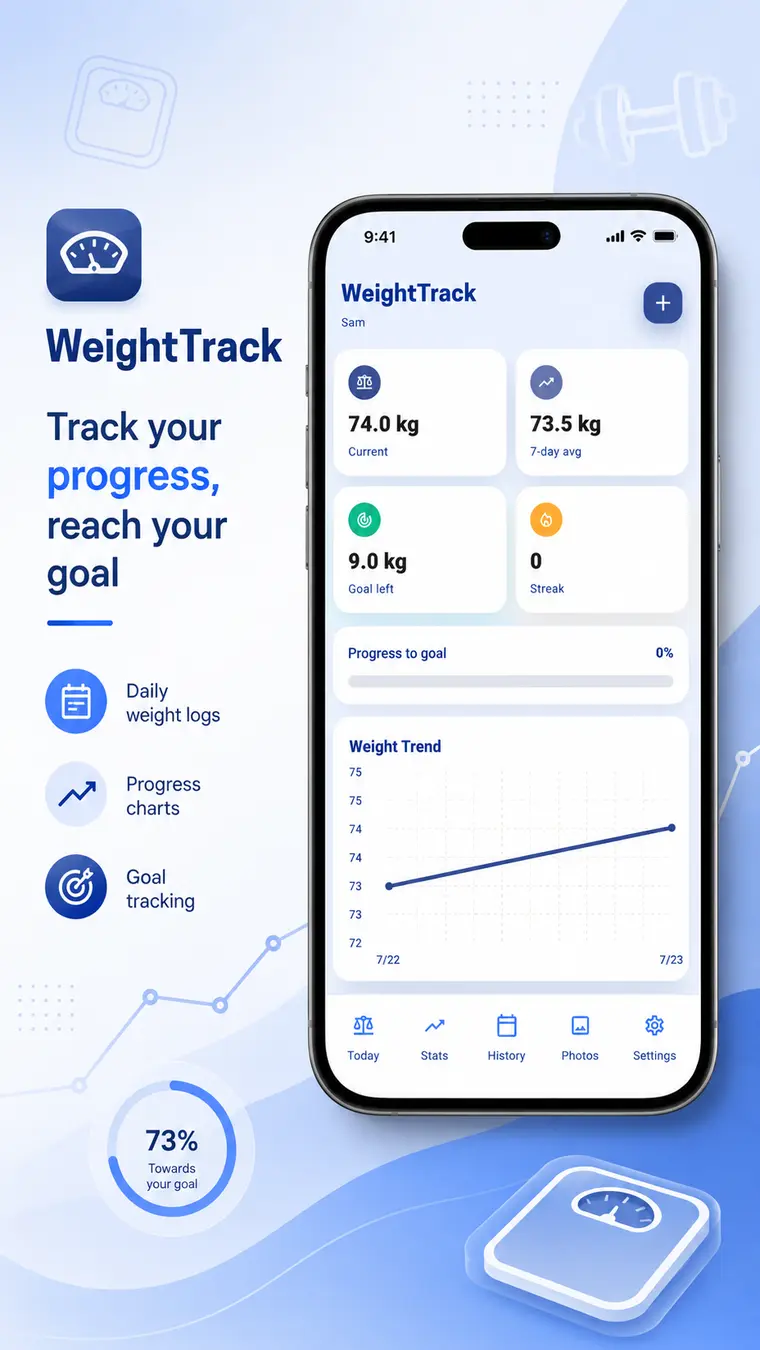
What's inside.
Everything WeightTrack does, without the clutter.
Log in seconds
Record each weigh-in with a date, a note and an optional progress photo.
- Kilograms or pounds
- Notes on each entry
- Optional daily reminders
Goals & body insights
Set your starting and target weight, then see BMI, estimated body fat and progress insights.
- Start & target weight
- BMI
- Estimated body fat
Trends that make sense
Your dashboard turns weigh-ins into changes, averages, weekly trends and streaks.
- Weekly trends
- Averages
- Streaks
Progress photos
Add photos from your camera or gallery and look back through your full history.
- Camera or gallery
- Weight & photo history
Health Connect & widget
Import your latest weight from Health Connect and check your progress from the home screen.
- Health Connect import
- Home-screen widget
- Multiple visual themes
Profiles, export & backup
Track more than one person on one device, and keep your data portable.
- Multiple profiles
- CSV export
- Backup of profiles, settings, records & photos
Take a look.
Whatever your goal is.
WeightTrack gives you a calm, organised place to see how far you've come.
Your data stays yours.
How WeightTrack handles your information, in plain words.
Stored on your device
Weight records, profile information, notes and progress photos are stored on your device.
Health Connect is optional
It's only used when you ask to import a weight.
Take it with you
Export your history as CSV, or create a backup to restore anytime.
Where is my data stored?
On your device. WeightTrack is designed as a local-first tracker, so your records, notes and progress photos stay on your phone.
Do I need Health Connect?
No. Health Connect access is optional and only used when you ask to import a weight.
Can more than one person use it?
Yes. You can create multiple profiles on one device.
Can I export my weight history?
Yes. You can export it as a CSV file, and create backups that include profiles, settings, records and photos.
Does it support kilograms and pounds?
Yes, you can record your weight in either.
Please note: WeightTrack provides general tracking and informational tools and is not a substitute for professional medical advice, diagnosis or treatment.
You might also like.