How Photographers Can Track Income and Outstanding Payments
Know what you've earned and what you're owed. A simple system for photographers to track bookings, payments received, pending balances and revenue.

- The four numbers every photographer should know each month
- A simple routine for recording and reviewing payments
- How exports help at tax time
Many photographers know roughly how busy they are but not exactly how much they've earned or how much clients still owe. Tracking income doesn't need accounting software. It needs a few numbers, recorded consistently.
This is general information. For tax and GST questions, speak to a chartered accountant.
The four numbers to know each month
| Number | What it tells you |
|---|---|
| Total booking value | The value of all shoots booked for the month |
| Payments received | Money actually in your account |
| Pending balances | What clients still owe |
| Active bookings | How busy the month is |
Seeing "booked" and "received" side by side shows whether cash flow is healthy.
Record payments as they arrive
For each payment, note:
- Date
- Amount
- Client and booking
- Method (UPI, bank transfer, cash)
- What it was for (advance, second instalment, balance, extra hours)
A monthly income routine
- Log every payment on the day it arrives. Against the right booking.
- Check pending balances weekly. Send reminders for anything due.
- Review the month at month-end. Booked vs received, and what's overdue.
- Export your records. Save a CSV or PDF for your accountant.
- Plan ahead. Look at confirmed bookings for the next three months.

Don't forget expenses
Income is only half the picture. Track business costs too: assistants, travel, equipment, software, printing and marketing. Profit is what's left after expenses.
Separate business and personal money
A separate bank account for business payments makes tracking and tax much simpler. Even if you're a solo photographer, it's worth considering.
Exports for tax time
At the end of the year, you'll need a record of income. Exporting booking and payment records as a CSV spreadsheet or PDF report gives your accountant what they need without digging through chats.
Track it in one place
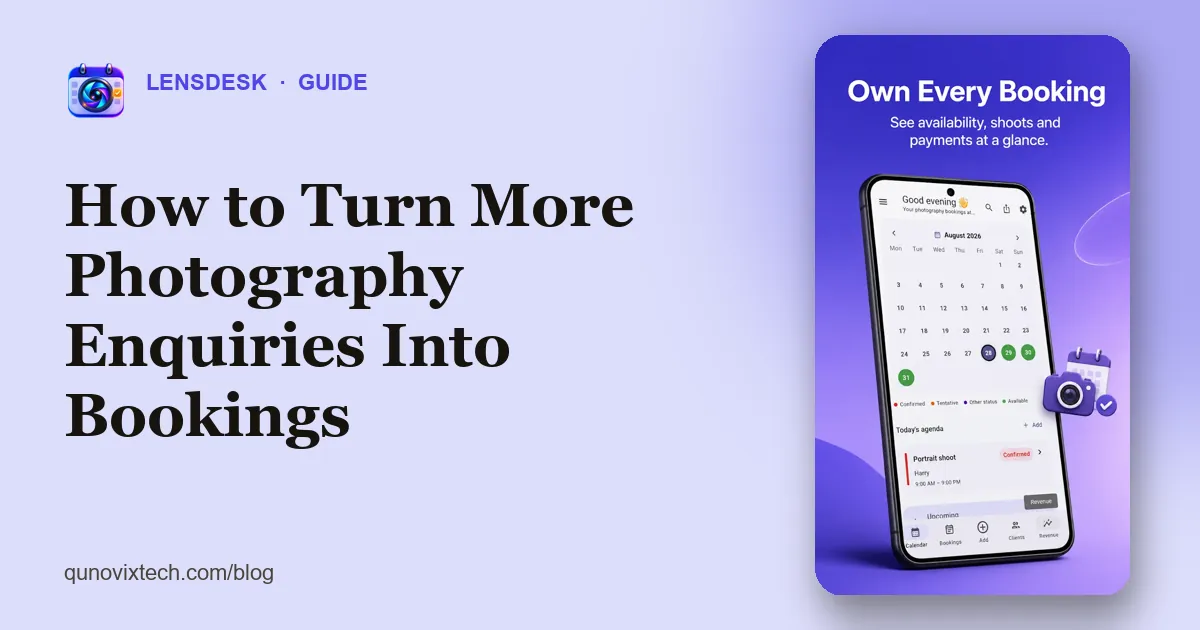
LensDesk records package values, advances and additional payments for each booking, shows received and outstanding balances, and summarises monthly revenue. You can export booking records as CSV or PDF. For setting advance amounts, see photography advance payments.
Key takeaways
- Track total booking value, payments received, pending balances and active bookings.
- Log every payment immediately against the right booking.
- Review pending balances weekly and the whole month at month-end.
- Export records for your accountant and keep business money separate.
Frequently asked questions
How should photographers track income?
Record every booking's value and each payment against it, then review received and pending amounts monthly.
What's the difference between booked revenue and received revenue?
Booked revenue is the value of confirmed shoots. Received revenue is money actually paid.
Do photographers need accounting software?
Not necessarily at first. A booking app with payment tracking and exports may be enough, alongside advice from an accountant.
How can I get clients to pay balances on time?
Set clear payment terms, send reminders before due dates and confirm each payment received.

We're an independent app studio in Pune, India. We build LensDesk-Photographer Calendar and write these guides from what we learn making it and from the questions our users send us. Spotted an error? Email qunovixtechnologies@gmail.com.