To Do ListTasks & Reminders
Plan the day, get the nudge, tick it off.
A simple, practical task manager for work, home, shopping and the dates you can't forget. Everything stays organised in one convenient place.
- Category
- Productivity
- Rating
- 4.2 ★
- Price
- Free
- Premium
- One-time, no ads
What's inside.
Everything To Do List does, without the clutter.
Tasks & lists
Add tasks with the details you need, keep them in separate lists and tick them off when you're done.
- Personal & work
- Shopping & wishlists
- Flexible sorting
Reminders your way
Get reminded with the sound, voice or vibration you prefer.
- Custom sounds
- Voice reminders
- Vibration options
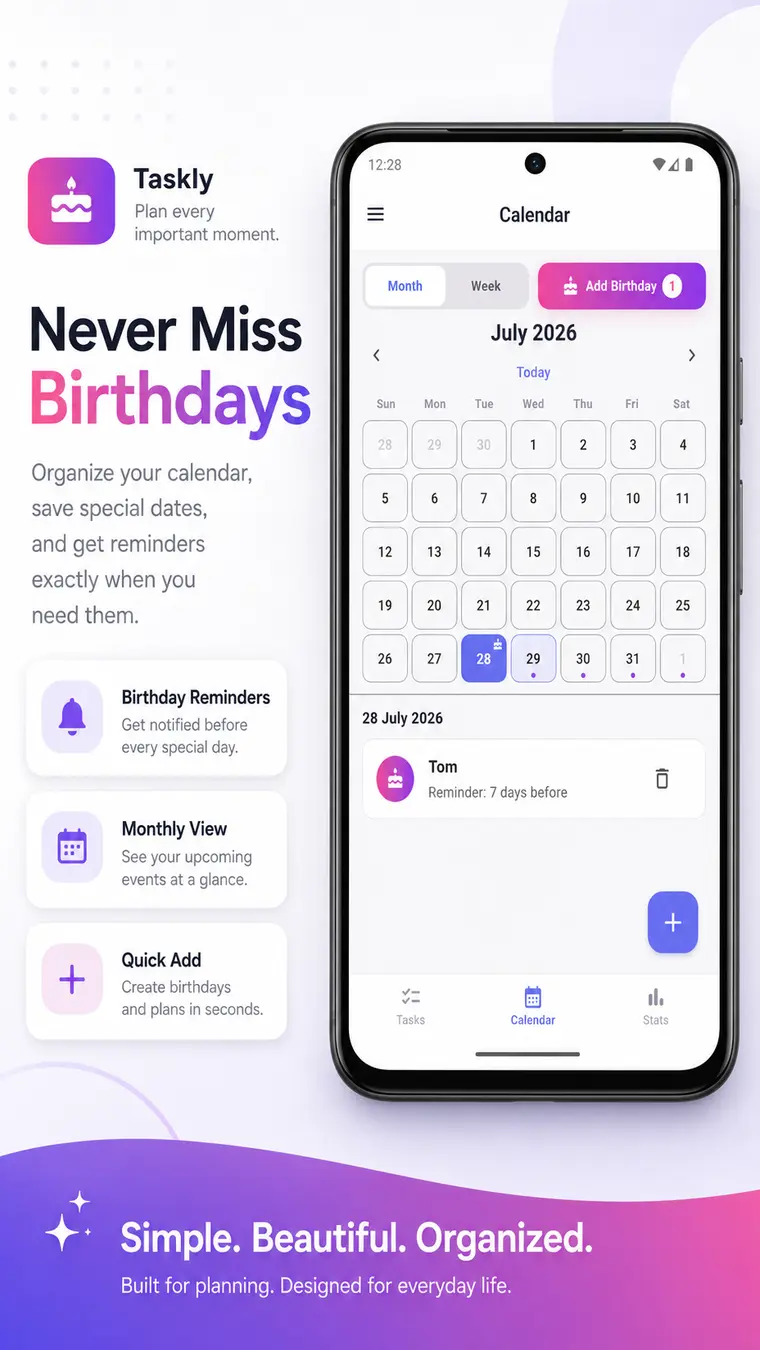
Birthday reminders
Save birthdays and get a reminder before the special day.
- Birthday calendar
- Month & week view
- Reminders in advance
See your progress
Stats and graphs show what you've finished and what's still waiting.
- Completion stats
- Weekly graphs
- Productivity insights
Make it yours
Pick your theme, your language, your time format and the first day of your week.
- Light & dark themes
- Multiple languages
- Custom time & week settings
Safe & backed up
Deleted items wait in the Recycle Bin for 15 days, and you can back up everything.
- 15-day Recycle Bin
- Local backup
- Google Drive backup
Take a look.
Ideal for everyday plans.
Want a cleaner experience? Premium is a one-time purchase that removes advertisements.
Your data stays yours.
How To Do List handles your information, in plain words.
Under your control
Your task information stays under your control.
Backups on your terms
Use local backup, Google Drive backup, or neither.
Policies in the app
The Privacy Policy and Terms are available right inside the app.
Is To Do List free?
Yes, it's free to download. An optional one-time Premium purchase removes advertisements.
Can reminders speak to me?
Yes. Reminders can use a custom sound, a voice or vibration.
Can I get deleted tasks back?
Yes. Deleted records stay in the Recycle Bin for 15 days so you can restore them.
Is there a dark mode?
Yes. You can switch between light and dark themes.
Can I back up my tasks?
Yes. You can use local backup or Google Drive backup.
Turn your plans into progress.
Start organising your tasks today. It only takes a minute to set up.
You might also like.