LensDeskPhotographer Calendar
Run your photography bookings from one simple calendar.
LensDesk is a booking calendar for solo photographers and small teams. See availability at a glance, organise every shoot, and keep client, payment and reminder details together. The core features work without internet.
- Category
- Photography
- Price
- Free
- Offline
- Yes
- Export
- CSV & PDF
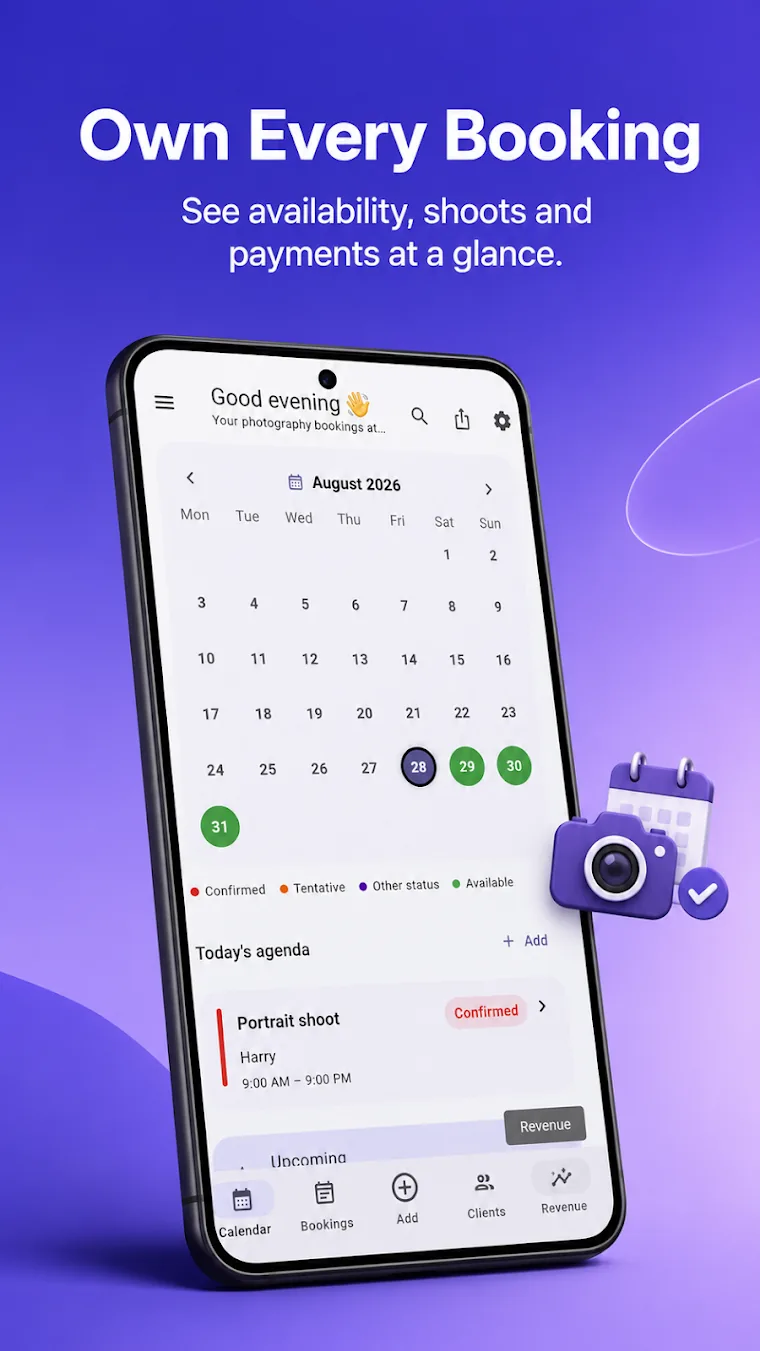
What's inside.
Everything a working photographer needs to keep bookings straight.
Plan with confidence
A colour-coded monthly calendar of available and booked dates. Add enquiries, tentative holds and confirmed shoots.
- Jump to any month or year
- Overlap warnings
Clients close at hand
Keep phone, WhatsApp and email with each booking, and open calls, maps or ready-to-send messages in a tap.
- Booking & payment messages
- Your name on client messages
Payments tracked
Record the package value, advance and extra payments, and see what's received and what's still due.
- Received vs outstanding
- Payment reminders
Stay organised
Local booking reminders with daily, weekly or monthly repeats, plus your own custom event types.
- Recurring reminders
- Custom event types
Revenue at a glance
Review monthly revenue, received payments and pending balances, and search by client, phone, event, venue or date.
- Monthly revenue
- Fast search
Export and share
Save booking records as CSV spreadsheets or PDF reports, and share your monthly availability with clients.
- CSV & PDF export
- Share availability
Take a look.
Your business, on your phone.
LensDesk keeps your bookings safe, private and available offline.
Works offline
Calendar, clients, payments, reminders and exports all work without an internet connection.
Private by default
Live business data stays in LensDesk's private local database. An optional app lock uses your phone's PIN, pattern, password or biometrics.
Google, only if you choose
Connect Google only to add bookings to Google Calendar or back up to Google Drive. LensDesk never touches your photo files.
Who is LensDesk for?
Solo photographers and small photography teams who want one place for bookings, clients, payments and reminders.
Does LensDesk need internet?
No. The core calendar, client, payment, reminder and export features work offline.
What happens if I delete a booking by mistake?
Deleted bookings stay in the recycle bin for 30 days, and you can restore them.
Can I sync with Google Calendar?
Yes, if you choose. You can add bookings to Google Calendar and back up business data to Google Drive. Local bookings stay safe if a sync fails.
Does LensDesk back up my photos?
No. LensDesk only manages bookings and business records. It doesn't collect or back up your photography files.
Every booking, in one place.
Spend less time on admin and more behind the lens.
From the blog.
Booking, client and payment guides for working photographers, from the team behind LensDesk.
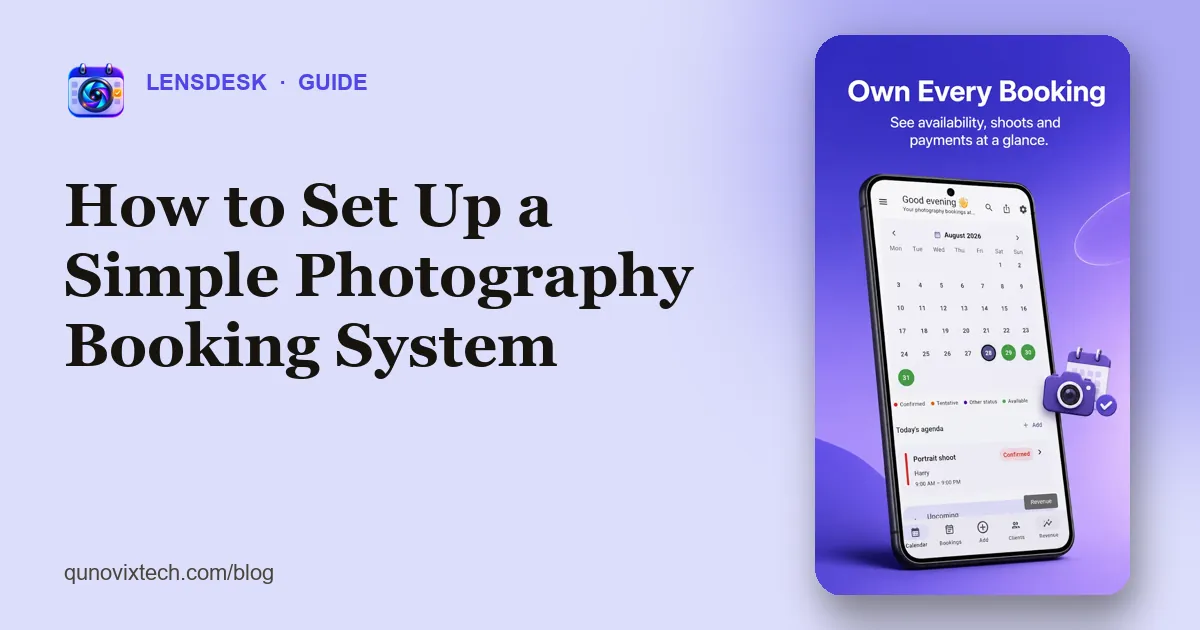
How to Set Up a Simple Photography Booking System
Stop juggling bookings across WhatsApp, notebooks and memory. Set up a simple photography booking system for enquiries, shoots, clients and payments.
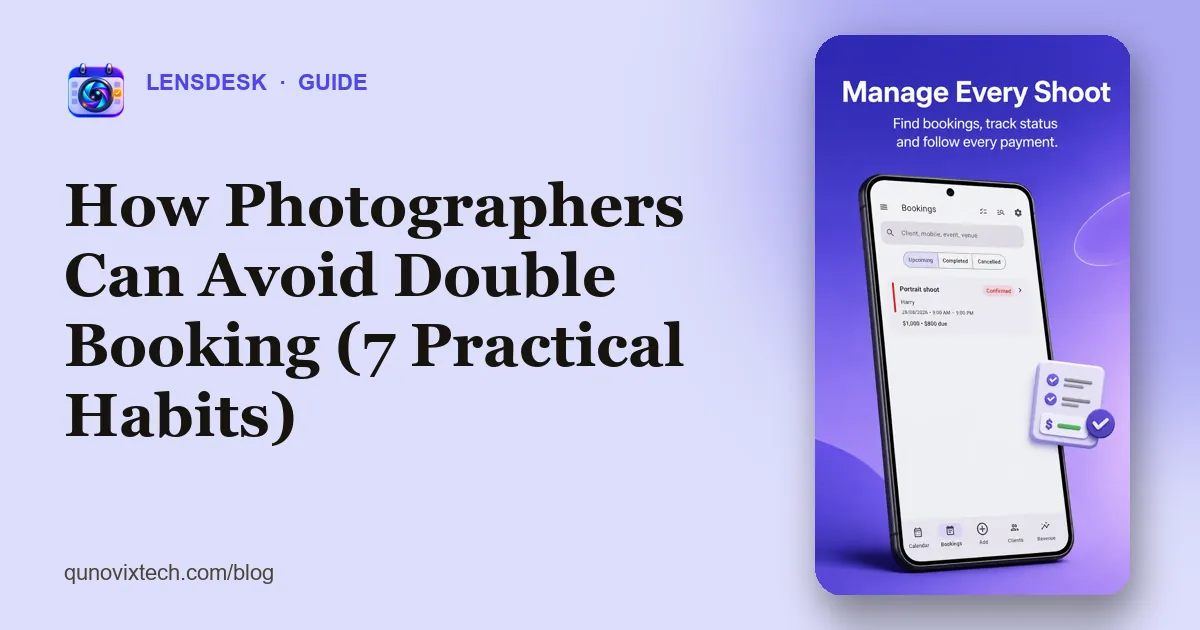
How Photographers Can Avoid Double Booking (7 Practical Habits)
Double booking damages trust and income. Seven practical habits help photographers avoid clashes, from one calendar and tentative holds to overlap alerts.
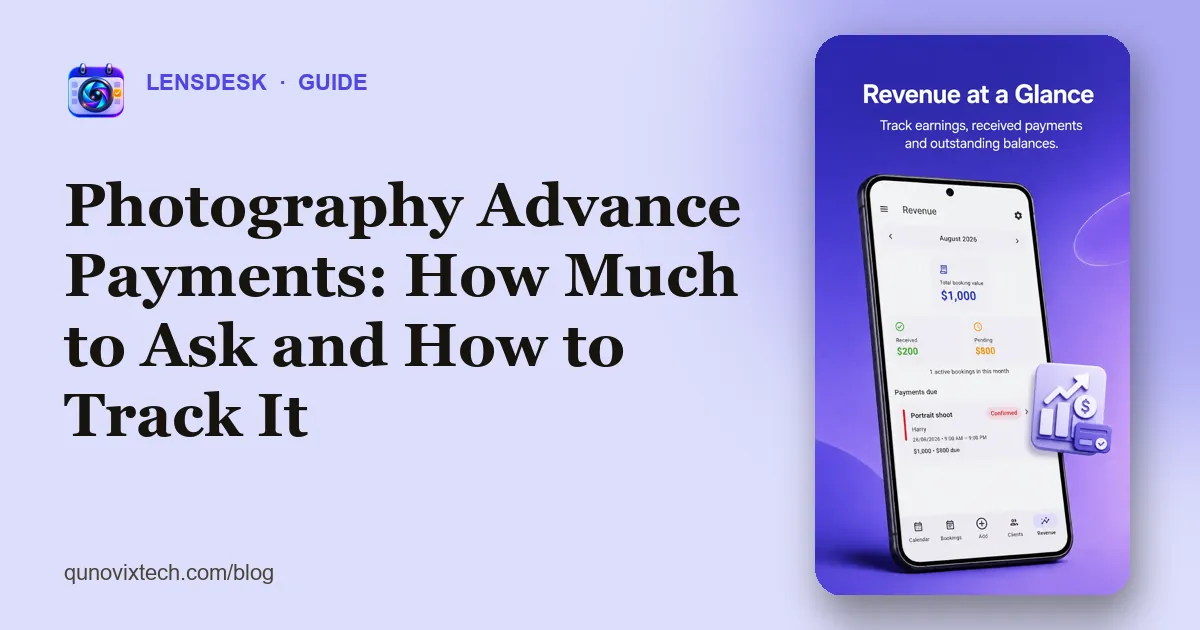
Photography Advance Payments: How Much to Ask and How to Track It
Advances protect your time and income. Learn how photographers set advance amounts, payment schedules and cancellation terms, and track every payment.
You might also like.