The Pre-Shoot Checklist Every Photographer Should Use
Forget nothing on shoot day. A practical pre-shoot checklist for photographers covering client details, gear, backups, schedule and travel.

- What to confirm with the client before every shoot
- A complete gear and backup checklist
- A day-before and morning-of routine
A great shoot starts long before you pick up the camera. A simple checklist makes sure nothing important is missed: the right venue, enough batteries, the client's must-have shots.
One week before
- ☐ Confirm date, time and venue with the client.
- ☐ Get the schedule (for weddings, every event and timing).
- ☐ Get the contact person's name and number for the day.
- ☐ Receive the shot list or must-have family photos.
- ☐ Confirm the payment due before the shoot.
- ☐ Brief your team: roles, timings and dress code.
- ☐ Plan travel and parking.
Gear checklist
| Category | Items |
|---|---|
| Cameras | Main body, backup body |
| Lenses | Primary lenses, backup lens, lens cloths |
| Power | Charged batteries (plus spares), chargers |
| Storage | Formatted memory cards, spare cards, card wallet |
| Lighting | Flash, spare batteries, reflector, stands |
| Support | Tripod, monopod, straps |
| Extras | Rain cover, gaffer tape, pen, water, snacks |
Backup plan
- Shoot to dual card slots if your camera supports it.
- Never format cards until files are backed up in at least two places.
- Carry a backup camera body for important events.
- Back up files the same day.
The day before
- Charge everything. Batteries for cameras, flashes and your phone.
- Format memory cards that are already backed up.
- Pack your bag using the gear checklist.
- Send a reminder message to the client with your arrival time.
- Check the weather and venue access.
- Sleep early.
Morning of the shoot
- Check your bag one last time.
- Leave with buffer time for traffic.
- Message the client when you're on your way.
- Arrive early to scout light and locations.

Keep shoot info on your phone
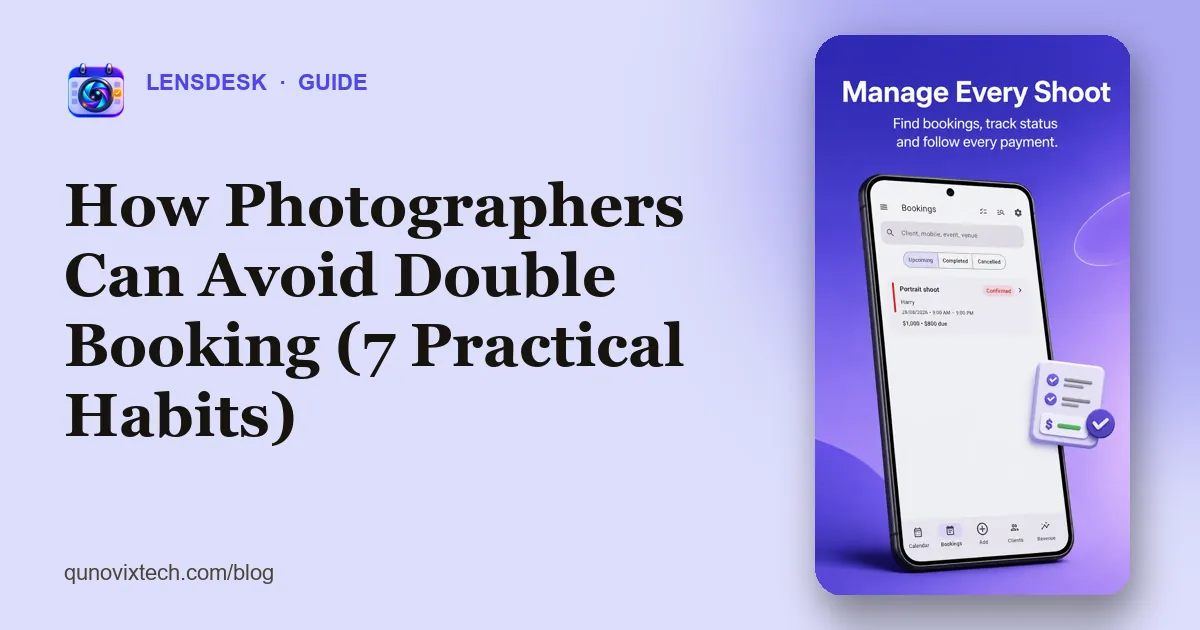
On the day, you'll want the venue address, timings, contact person and balance due at your fingertips. LensDesk keeps these with each booking and can open the venue in maps or call the client in a tap. Set booking reminders so the pre-shoot steps never slip. See also booking confirmations and WhatsApp templates.
Key takeaways
- Confirm schedule, venue, contact person and shot list a week before.
- Pack with a gear checklist and carry backups for everything critical.
- Charge, format and pack the day before, and message the client.
- Arrive early and keep booking details on your phone.
Frequently asked questions
What should a photographer bring to a shoot?
Camera bodies, lenses, charged batteries, formatted memory cards, lighting, backups and basics like water and snacks.
What should I confirm with the client before a shoot?
Date, time, venue, schedule, contact person, shot list and any payment due.
How do photographers back up photos on shoot day?
Shoot to dual cards if possible and copy files to at least two locations the same day.
Why carry a backup camera?
Equipment can fail. A backup body ensures an important event isn't missed.

We're an independent app studio in Pune, India. We build LensDesk-Photographer Calendar and write these guides from what we learn making it and from the questions our users send us. Spotted an error? Email qunovixtechnologies@gmail.com.