Colour-Blind Friendly Puzzle Games: Features to Look For
Colour blindness affects millions of players. Learn which features make puzzle games colour-blind friendly, from shape symbols to contrast and text size.
- How common colour vision deficiency is
- Accessibility features that help in colour-based puzzle games
- How to set up your phone and games for easier play
Many puzzle games rely on colour. For players with colour vision deficiency, that can make blocks, bottles or tiles hard to tell apart. Good game design solves this with a few simple features.
How common is colour blindness?
Colour vision deficiency is common. It's often estimated to affect around 1 in 12 men and 1 in 200 women of Northern European descent, with red-green types being the most common. That's millions of players worldwide.
Common types
| Type | What's affected |
|---|---|
| Deuteranomaly / deuteranopia | Red-green (green-weak or green-blind) |
| Protanomaly / protanopia | Red-green (red-weak or red-blind) |
| Tritanomaly / tritanopia | Blue-yellow (rare) |
| Monochromacy | Little or no colour (very rare) |
Features that make puzzle games colour-blind friendly
Shape or symbol markers
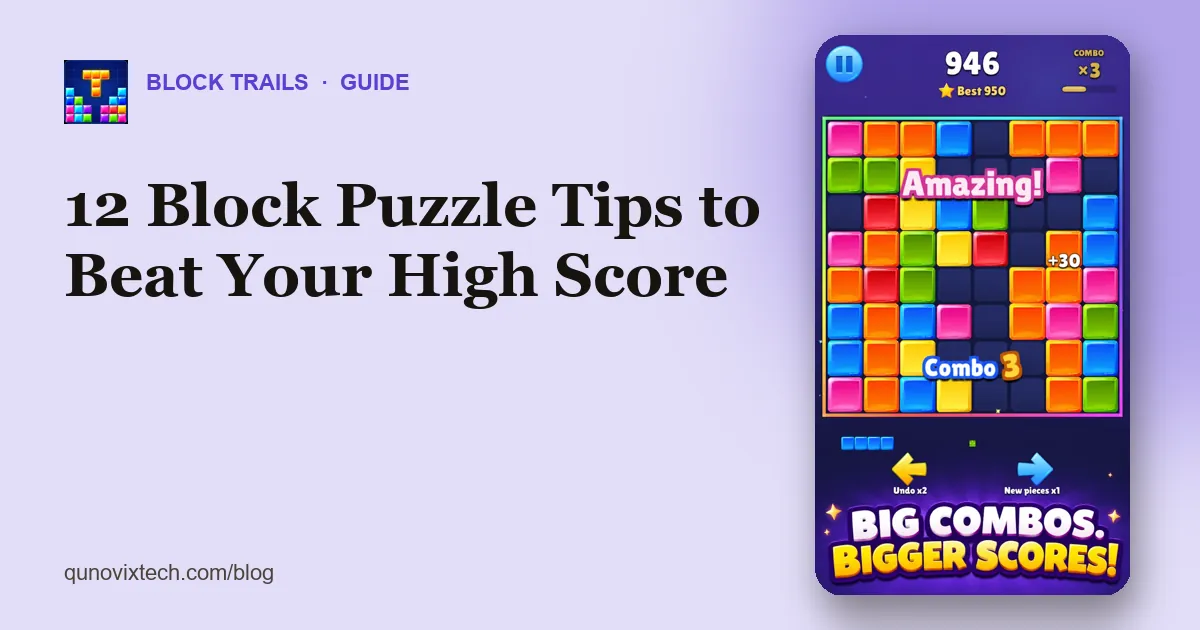
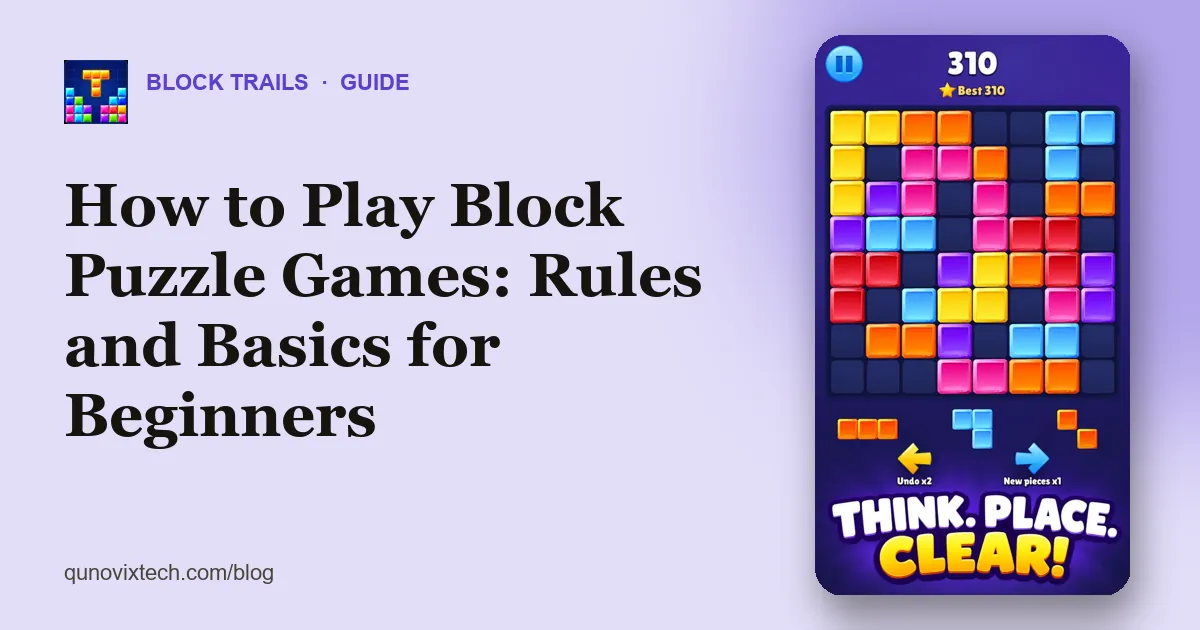
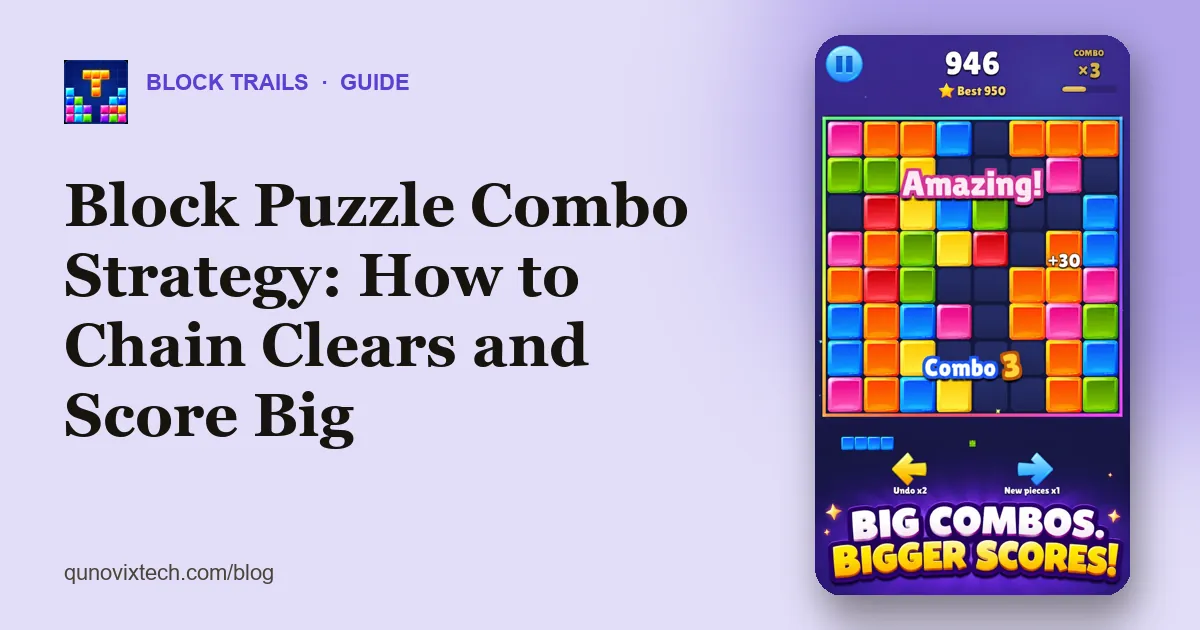
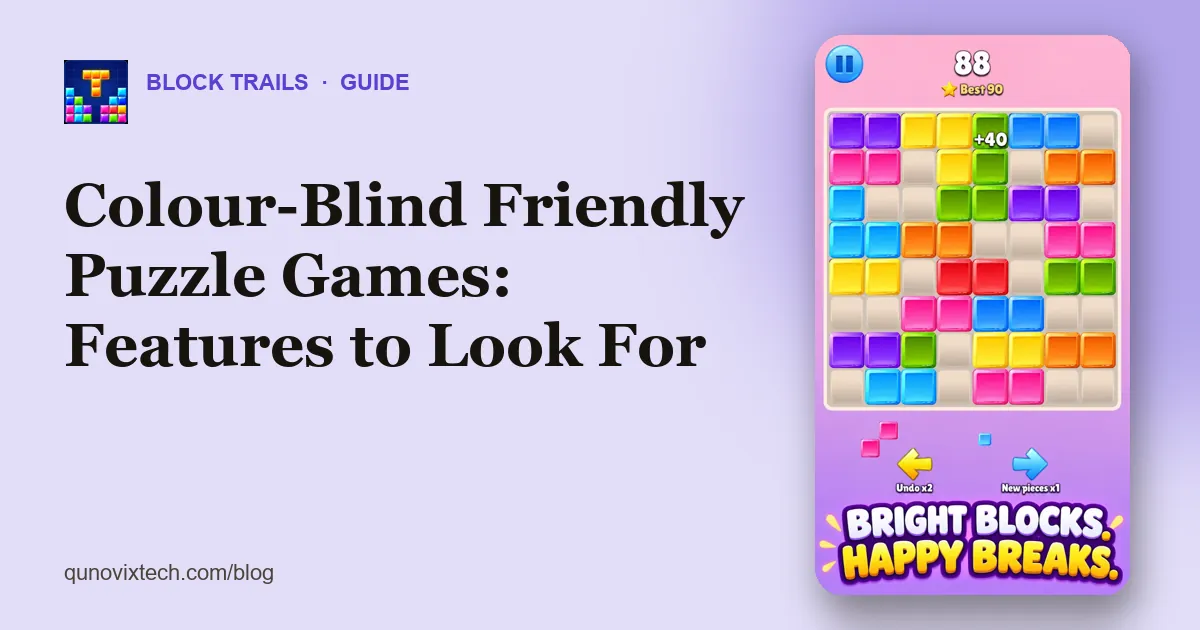
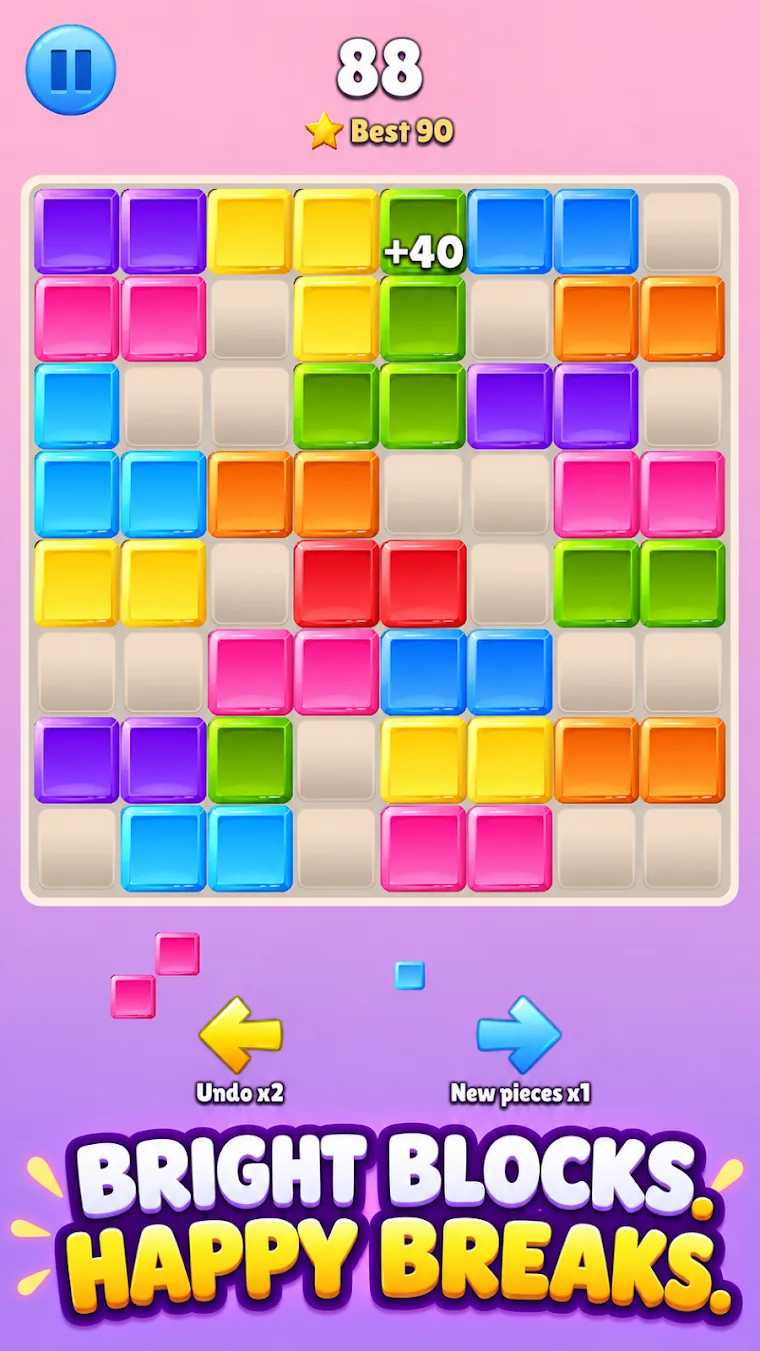
The most effective fix: each colour also has a unique symbol or pattern, so pieces can be told apart without relying on colour. Block Trails offers colour-blind friendly shape symbols, and Color Flow includes colour symbols for its bottles.
High contrast
Strong contrast between pieces and the background makes everything easier to see, for colour-blind players and everyone else.
Carefully chosen palettes
Palettes that avoid pairing hard-to-distinguish colours (like certain reds and greens) help, though symbols are more reliable.
Adjustable text size
Larger text helps players read scores, goals and instructions.
Reduced motion
Some players find heavy animation tiring. A reduced-motion option keeps the game calm.
How to set up your game and phone
- Check the game's settings. Look for accessibility, colour-blind mode or symbols.
- Turn on symbols or patterns. This is usually the most helpful option.
- Increase text size if available.
- Try Android's colour correction. In Settings → Accessibility, look for "Colour correction" to adjust how colours appear across your phone.
- Adjust brightness and theme. Some players prefer dark or light themes for contrast.
Why accessibility matters for everyone
Accessibility features often help far more people than they target. Symbols help in bright sunlight, high contrast helps on older screens, and larger text helps tired eyes. Good accessible design is simply good design.
For more on what makes a game easy on the mind, see why puzzle games are relaxing.
Key takeaways
- Colour vision deficiency is common, especially red-green types in men.
- Shape symbols are the most effective colour-blind feature.
- High contrast, adjustable text and reduced motion also help.
- Android's colour correction setting can help across all apps.
Frequently asked questions
What makes a game colour-blind friendly?
Using symbols or patterns alongside colour, high contrast and palettes that avoid hard-to-distinguish colour pairs.
Does Android have a colour-blind mode?
Yes. Look for "Colour correction" in Android's Accessibility settings. The exact location varies by phone.
Can colour-blind people play colour sorting games?
Yes, especially games with colour symbols or patterns, like Color Flow.
Is Block Trails colour-blind friendly?
Yes. Block Trails includes colour-blind friendly shape symbols, reduced motion and adjustable text size.

We're an independent app studio in Pune, India. We build Block Trails: Block Puzzle and write these guides from what we learn making it and from the questions our users send us. Spotted an error? Email qunovixtechnologies@gmail.com.