Digital vs Paper Journal: Which Is Better for You?
Paper or app? Compare digital vs paper journals on privacy, convenience, backup, search and feel, and find out which style of journaling suits your life.
- The real pros and cons of paper and digital journals
- Which one is more private and which is safer from loss
- How to combine both without splitting your journal
Choosing between a digital and a paper journal is one of the first decisions new journal writers make. Both work, and many people switch at some point. The right choice depends on how you live, where you write and what you want from your journal.
Digital vs paper journal at a glance
| Paper journal | Digital journal (app) | |
|---|---|---|
| Feel | Tactile, personal, slower | Quick, always in your pocket |
| Privacy | Physical hiding place | PIN, pattern or fingerprint lock |
| Risk of loss | Fire, water, misplacing it | Phone loss, unless backed up |
| Backup | Hard (photocopy or scan) | Easy, often automatic |
| Search | Flip through pages | Instant search by word or date |
| Extras | Drawings, tickets, pressed flowers | Photos, stickers, moods, locations |
| Writing anywhere | Need to carry it | Always with you |
| Screen time | None | Adds a little |
The case for a paper journal
Paper journals have a feel that apps can't copy. Writing by hand is slower, which some people find more reflective. There are no notifications, and you can glue in tickets, photos or leaves. Many people enjoy seeing a shelf of filled notebooks.
Downsides: you have to carry it, it's hard to search, and a single coffee spill or house move can destroy years of entries. Privacy depends on hiding it well.
The case for a digital journal
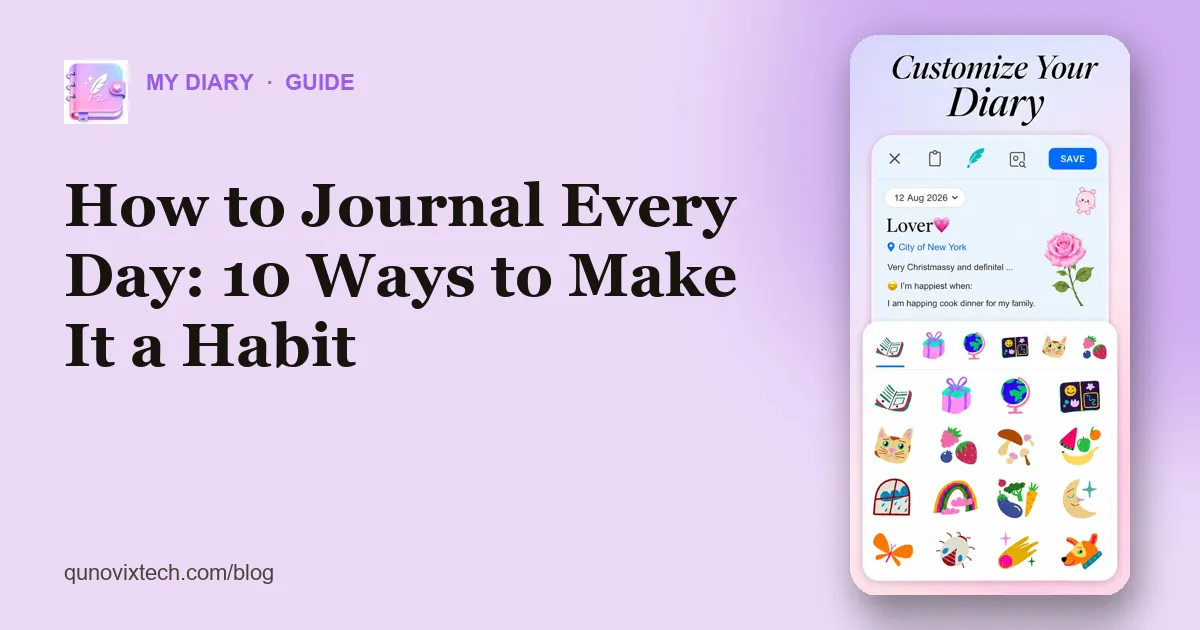
A journal app is always with you, so you can write during a commute, in a queue or in bed with the lights off. Entries are easy to search, and you can add photos, moods and locations in seconds.
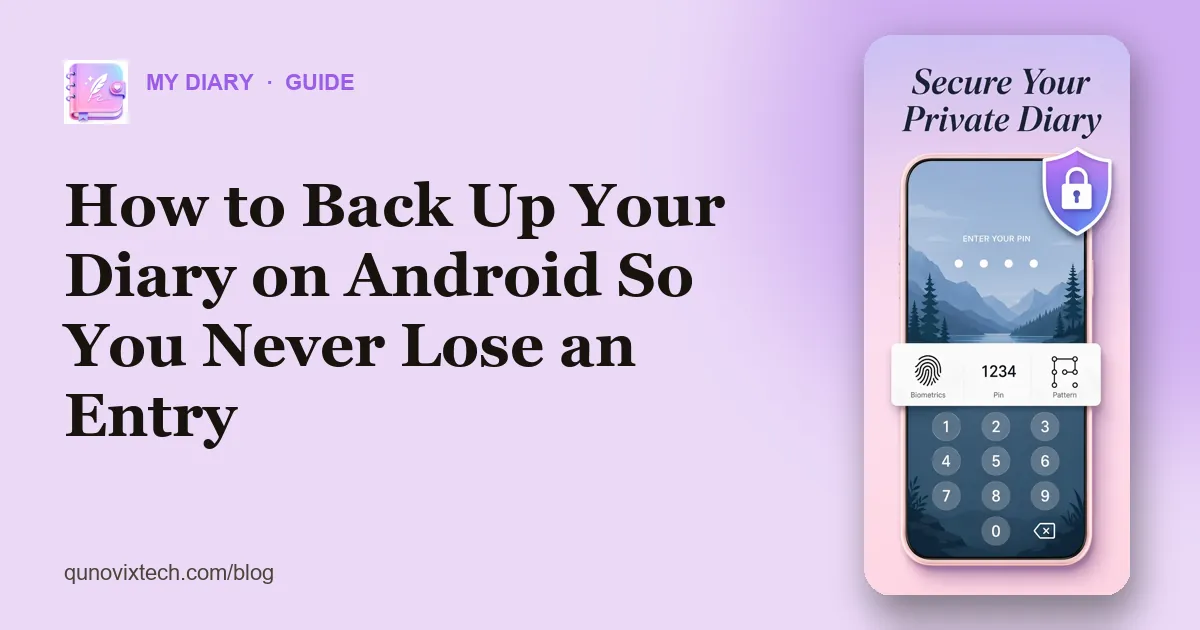
Privacy can actually be better than paper: a locked app needs your PIN, pattern or fingerprint, and nobody can flip it open on your desk. Read our guide to keeping a private diary on Android for the details.
The biggest advantage is backup. A paper journal lost in a move is gone. A digital journal with backup survives a broken or stolen phone.
Downsides: more screen time, possible distraction from other apps, and the need to trust the app with your words. Choose an app that stores entries on your device by default and makes backup optional.
Which one is more private?
It depends on who you're protecting it from:
- People at home: a locked app is harder to snoop on than a notebook in a drawer.
- Online risks: paper wins, because it can't be hacked. A diary app that keeps entries on your device and works offline reduces this risk a lot.
- Loss: a backed-up digital journal is far safer.
Which one helps you write more?
For most people, the answer is whichever is closest to hand. If you always carry a bag, paper can work. If your phone is always with you and your days are busy, an app usually leads to more regular writing. Habits are about friction: the fewer steps between you and writing, the more you'll write. See our guide on how to journal every day.
Can you combine both?
Yes, but avoid splitting your daily entries across two places, because you'll struggle to look back. A few combinations that work well:
- App for daily entries, paper for big reflections such as yearly reviews or letters to yourself.
- Paper journal, app for backup: photograph important pages into a private digital diary.
- App for quick moods, paper for weekend writing.
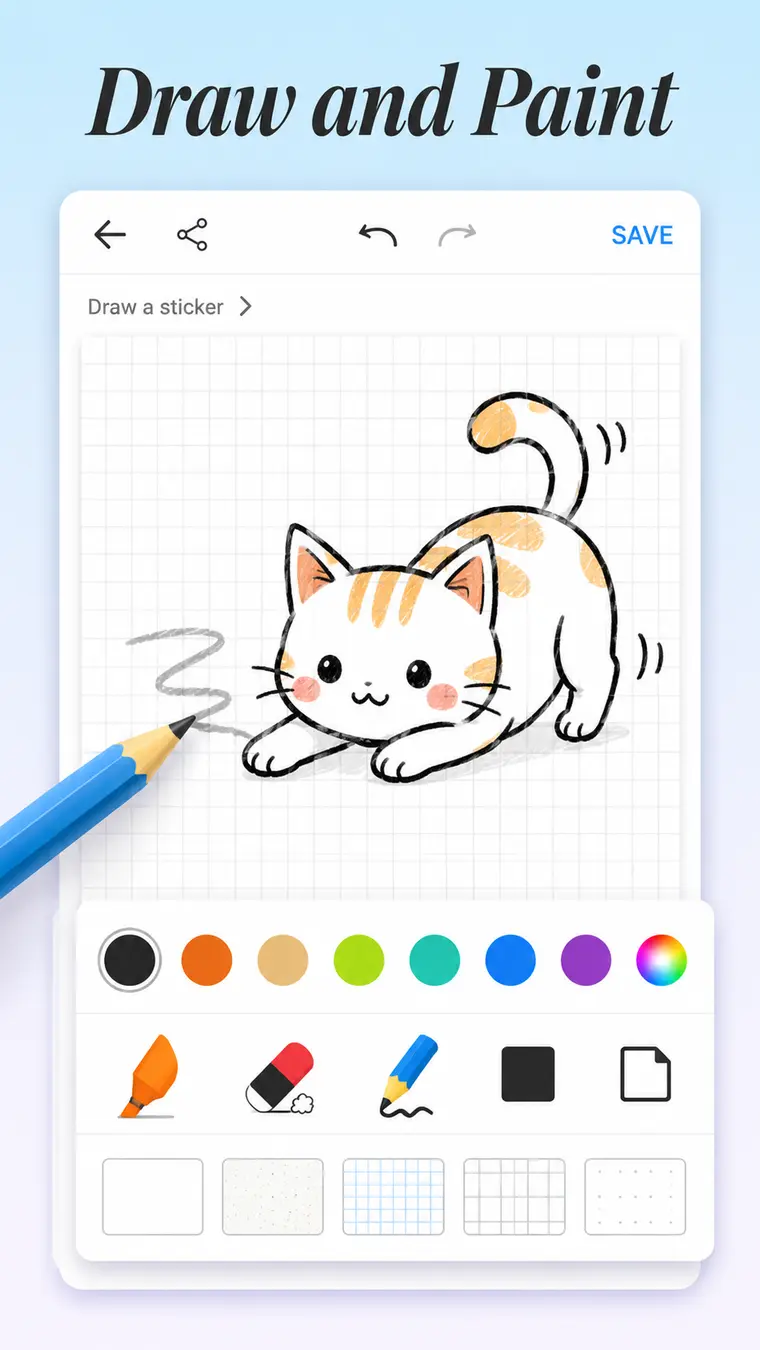
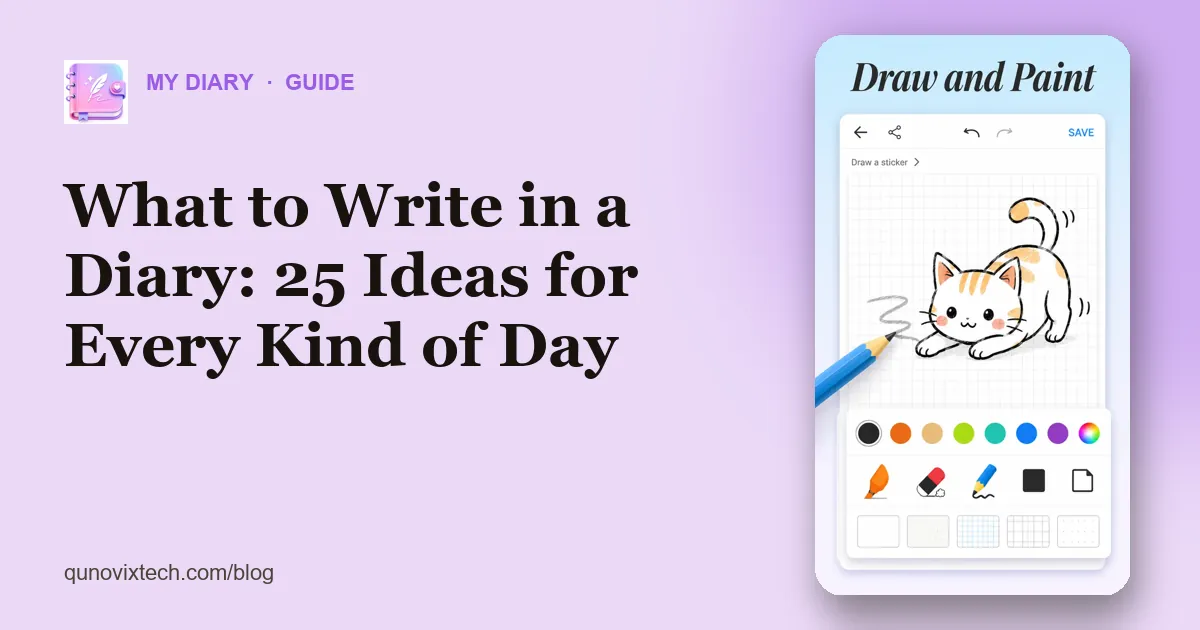
Many diary apps now include drawing tools, so you can still doodle or sketch, one of the things people love about paper.
How to choose
Pick paper if you enjoy handwriting, want screen-free time and write mostly at home.
Pick digital if you want privacy from people around you, backup against loss, quick entries on the go and the ability to search years of writing.
Still undecided? Try a digital diary like My Diary for two weeks, then try paper for two weeks, and keep whichever you used more.
Key takeaways
- Paper is tactile and screen-free but hard to back up and search.
- Digital journals are always with you, lockable, searchable and easy to back up.
- A locked, offline-first app can be more private at home than a notebook.
- Don't split daily entries across both. Combine them for different purposes instead.
Frequently asked questions
Is it better to journal on paper or digitally?
Neither is better for everyone. Paper suits people who enjoy handwriting and want screen-free time. Digital suits people who want privacy, backup and convenience.
Is a digital journal safe?
A digital journal is safe when it's locked, stores entries on your device by default and backs up to an account only you control.
Does handwriting help memory more than typing?
Some studies suggest handwriting can help with remembering information, but for journaling the most important factor is writing regularly, whichever method you choose.
Can I move my paper journal into an app?
Yes. Many people type up or photograph important paper entries into a digital diary, often backdating them to the original date.

We're an independent app studio in Pune, India. We build My Diary: Daily Journal & Lock and write these guides from what we learn making it and from the questions our users send us. Spotted an error? Email qunovixtechnologies@gmail.com.