How to Keep a Private Diary on Android (PIN, Pattern and Fingerprint Lock)
Want a diary nobody else can read? Learn how to keep a private diary on Android with a PIN, pattern or fingerprint lock, plus backup and privacy tips.
- The difference between a phone lock and an app lock
- How to set up a PIN, pattern or fingerprint lock for your diary
- Privacy habits that protect your entries from prying eyes and lost phones
A diary is only useful if you can be honest in it, and you can only be honest if you know no one else will read it. On a phone that gets passed around, borrowed or left on the table, that takes a bit of planning.
This guide explains how to keep a private diary on Android, from choosing the right kind of lock to making sure a lost phone doesn't mean lost entries.
Your phone lock isn't enough on its own
Your screen lock stops strangers. It doesn't stop the people who already know your PIN or who borrow your unlocked phone to make a call, show a photo or play a game. Those are usually the people you least want reading your diary.
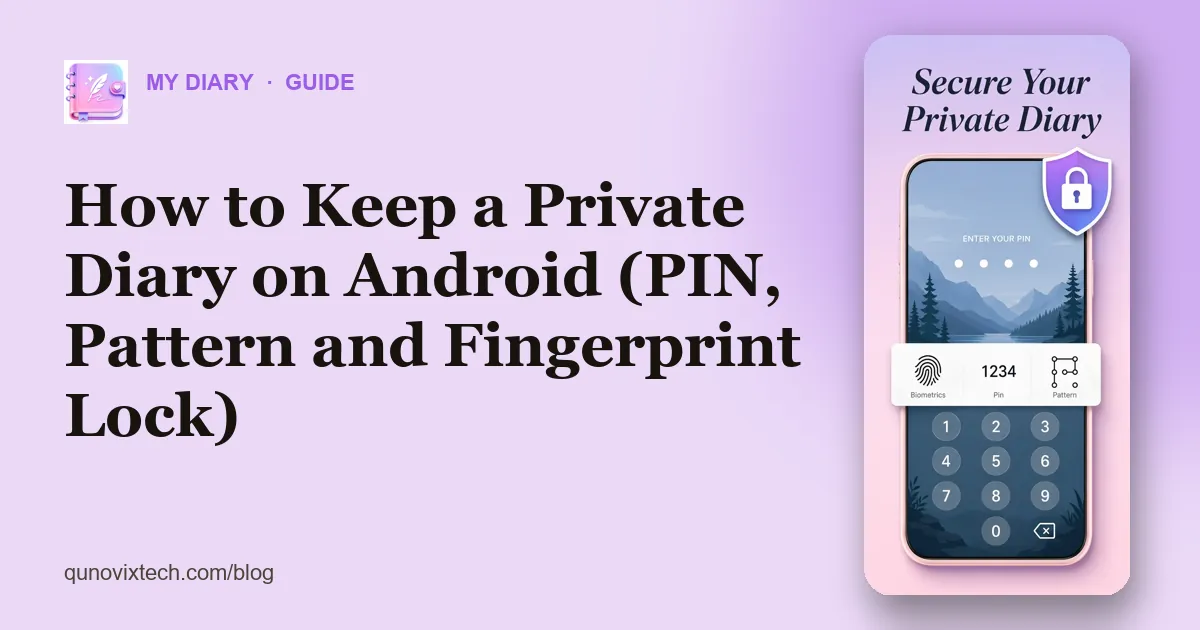
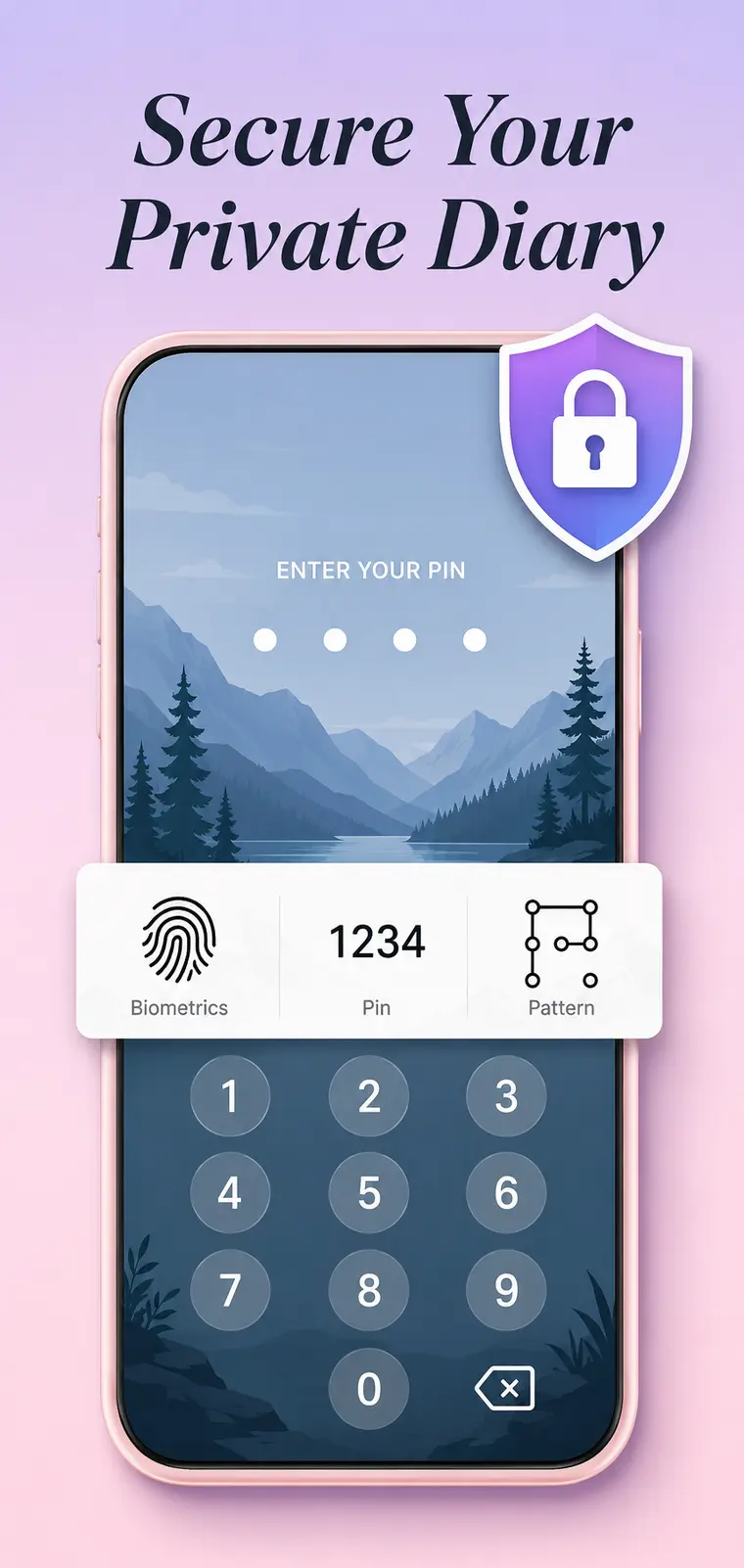
An app lock adds a second barrier. Even when the phone is unlocked, the diary asks for its own PIN, pattern or fingerprint before showing anything.
Types of diary locks compared
| Lock type | Strengths | Watch out for |
|---|---|---|
| PIN | Quick, works on every phone | Short PINs like 1234 or birthdays are easy to guess |
| Pattern | Fast to draw with one hand | Smudge marks on the screen can give it away |
| Fingerprint | Fastest, nothing to remember | Needs a PIN or pattern as backup |
| Password | Strongest if long | Slower to type every time |
The best setup for most people is fingerprint for speed, with a PIN or pattern as backup.
How to set up a locked diary on Android
- Install a diary app with a built-in lock. Look for PIN, pattern and fingerprint support in the app's description. My Diary supports all three.
- Open the app's security or lock settings. This is usually in Settings, under a name like "Lock", "Passcode" or "Security".
- Create a PIN or pattern. Avoid obvious choices such as birthdays, 0000, 1234 or an "L"-shaped pattern.
- Turn on fingerprint unlock. Your phone must already have a fingerprint registered in Android settings.
- Test it. Close the app completely and reopen it to make sure the lock appears.
- Set up a recovery or backup option. If the app offers backup, turn it on so you don't lose entries if you forget your PIN or change phones.
Other privacy habits worth adopting
Keep entries off shared surfaces
Don't paste diary entries into chats or notes apps that sync to shared devices. Check that your diary isn't backing up to a family computer or a shared cloud account.
Watch your notifications
If your diary app sends writing reminders, make sure they don't show entry content on the lock screen. A reminder should say "Time to write", not reveal what you wrote yesterday.
Be careful with screenshots
Screenshots of entries end up in your photo gallery, which is often less protected than your diary and may sync to the cloud automatically.
Lock it when you hand over your phone
A good diary app locks itself as soon as you leave it. Even so, get in the habit of closing it before you pass your phone to someone.
Private doesn't mean fragile: back up your diary
The most common way people lose a diary isn't someone reading it. It's a phone that breaks, gets stolen or is replaced. Entries that only live on one phone disappear with it.
Choose a diary that stores entries locally by default, so they stay on your device, but offers an optional backup to an account only you control, such as your own Google Drive. Our guide to backing up diary entries on Android walks through the options.
What to look for in a private diary app
- A lock with PIN, pattern and fingerprint options.
- Entries stored on your device by default.
- Works offline, so nothing has to be sent anywhere to write.
- Optional backup that you switch on yourself.
- A clear privacy policy that explains what data is collected.
Key takeaways
- A phone lock alone doesn't keep your diary private from people who use your phone.
- Use an app lock: fingerprint for speed, with a PIN or pattern as backup.
- Avoid easy-to-guess PINs and patterns.
- Keep notifications and screenshots from leaking entries.
- Back up to an account only you control so a lost phone doesn't mean a lost diary.
Frequently asked questions
Can someone read my diary if my phone is unlocked?
If your diary app doesn't have its own lock, yes. An app lock asks for a separate PIN, pattern or fingerprint even when the phone itself is unlocked.
Is a fingerprint lock safer than a PIN?
A fingerprint is convenient and hard to shoulder-surf. A long PIN is also strong. Most apps use both: fingerprint for daily use and a PIN or pattern as a fallback.
What happens if I forget my diary PIN?
It depends on the app. Some apps offer a recovery method. Others can only be reset by clearing data, which deletes entries unless you have a backup. Turn on backups before you need them.
Is a locked diary app safe from hackers?
An app lock is designed to stop people with physical access to your phone. Keep your phone updated, use a strong screen lock and avoid installing apps from unknown sources for broader protection.

We're an independent app studio in Pune, India. We build My Diary: Daily Journal & Lock and write these guides from what we learn making it and from the questions our users send us. Spotted an error? Email qunovixtechnologies@gmail.com.