Offline Puzzle Games: What to Look For When You Have No Wi-Fi
Flights and patchy signal call for offline games. Learn what makes a good offline puzzle game, which types work best and how to check before you travel.
- Which kinds of puzzle games work fully offline
- How to check whether a game really plays without internet
- Tips for gaming on flights and long journeys
A long flight, a train through the countryside, a power cut that takes the router down: there are plenty of moments with no internet. A good offline puzzle game turns those moments into a pleasant break. Here's how to choose one.
Which puzzle types work best offline?
Most single-player puzzle games can run offline, because the puzzle doesn't need a server. Good choices include:
| Puzzle type | Why it works offline | Example |
|---|---|---|
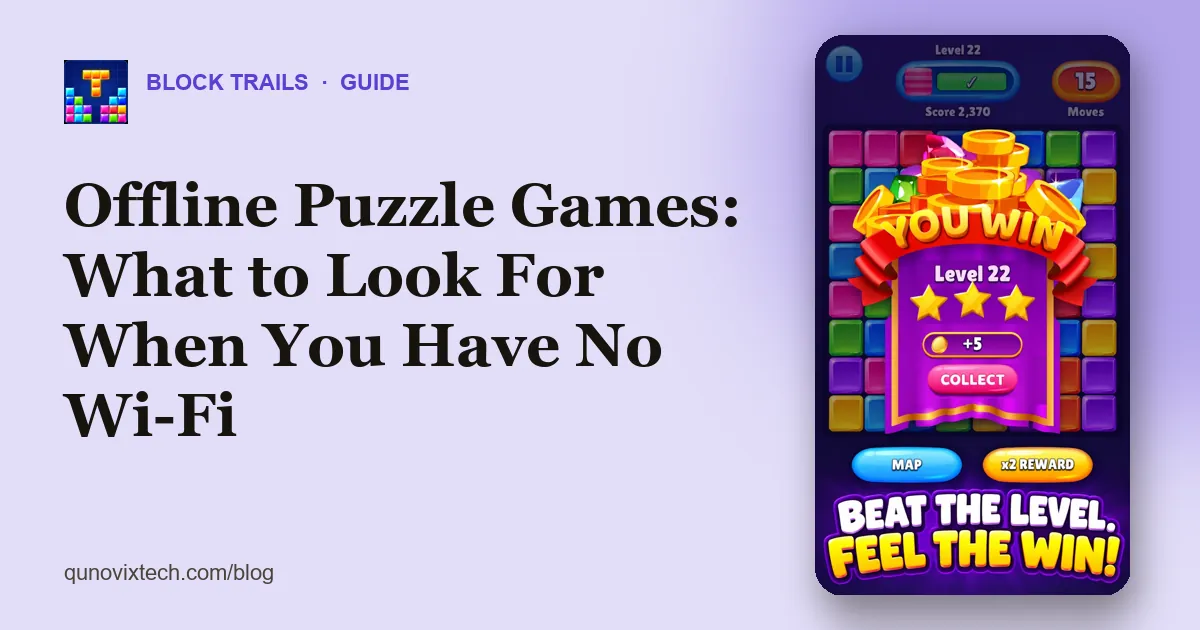
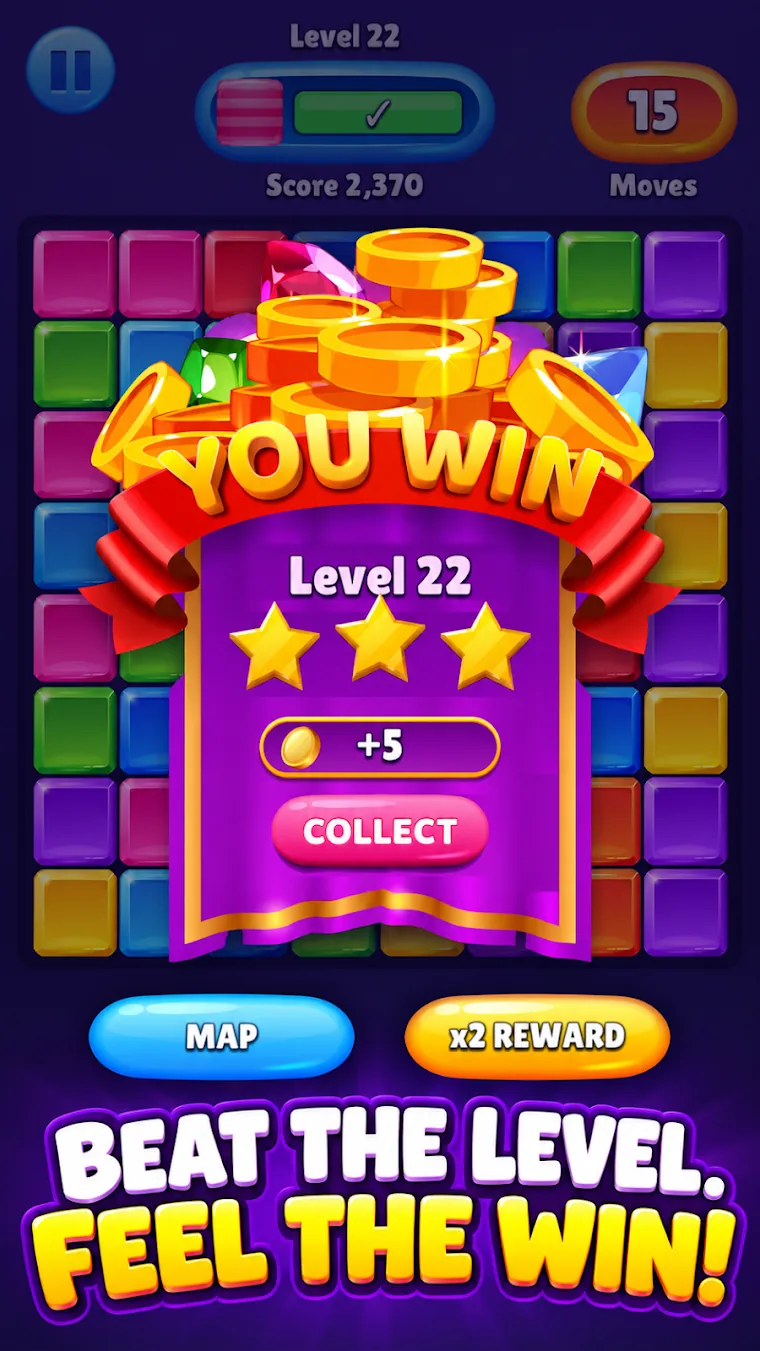
| Block puzzles | Every board is generated on your phone | Block Trails |
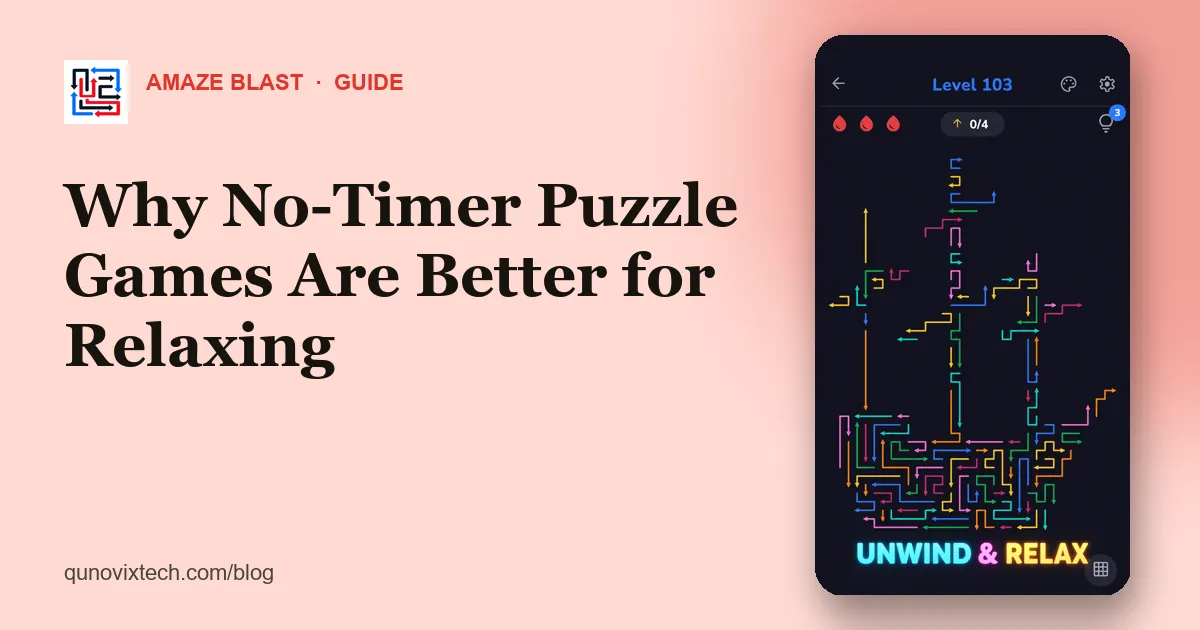
| Arrow and logic puzzles | Levels are stored in the app | Amaze Blast |
| Water and colour sort | Bottles and colours generated locally | Color Flow |
| Sudoku, crosswords, word searches | Puzzle packs downloaded in advance | Many apps |
What makes a good offline game
- All modes work offline. Some games lock levels or daily puzzles without internet.
- Progress saves on your device. You shouldn't lose levels if you play offline.
- Battery-friendly. Simple 2D puzzles usually use less power than 3D games.
- No time pressure. Handy when you might be interrupted by an announcement or your stop.
- Easy to pause. Short levels or endless modes you can leave anytime.
How to check if a game is really offline
- Read the store listing. Look for "offline", "no Wi-Fi needed" or "play anywhere".
- Test with airplane mode. Turn on airplane mode at home and open the game.
- Try every mode. Check Classic, levels and daily puzzles separately.
- Close and reopen. Make sure progress is saved while offline.
- Update before you travel. Install the latest version while you still have internet.
Before a long journey
- Charge your phone fully and carry a power bank.
- Download any extra content while on Wi-Fi.
- Turn on airplane mode to save battery and stop notifications.
- Lower screen brightness.
- Pick two or three games of different types so you don't get bored.
Offline, but not ad-free
Free games often show ads, and ads need a connection. When you're offline, ads usually won't load, but some features linked to ads, such as optional rewarded bonuses, may be unavailable. In Block Trails, every mode plays offline. Ads and purchases need a connection.
Make the most of offline time
Offline time is a great opportunity to practise strategy without distractions. Try improving your high score with our block puzzle tips, or work through a few Journey levels.
Key takeaways
- Block, logic and sorting puzzles are ideal for offline play.
- Check that every mode works with airplane mode on before you travel.
- Look for local progress saving, no time pressure and easy pausing.
- Update games and charge your phone before long journeys.
Frequently asked questions
Which puzzle games work without internet?
Most single-player block, logic and sorting puzzles work offline. Check the store listing and test with airplane mode.
Does playing offline save my progress?
In well-designed games, yes. Progress is saved on your device.
Do offline games use less battery?
Simple 2D puzzle games generally use less battery than graphics-heavy or online games, especially with airplane mode on.
Can I play Block Trails on a flight?
Yes. Every mode in Block Trails works offline.

We're an independent app studio in Pune, India. We build Block Trails: Block Puzzle and write these guides from what we learn making it and from the questions our users send us. Spotted an error? Email qunovixtechnologies@gmail.com.