How to Do a Weekly Review (Free Checklist)
A weekly review keeps your to-do list current and your week on track. Follow this simple 30-minute checklist to clear, reflect and plan ahead.
- What a weekly review is and why it matters
- A 30-minute checklist you can follow every week
- Questions to reflect on your progress and plan the week ahead
Daily planning keeps today on track. A weekly review keeps your whole system healthy. Without it, to-do lists fill with stale tasks, old reminders and forgotten projects. With it, you start each week clear about what matters.
The weekly review was popularised by David Allen's Getting Things Done method, but you don't need to follow GTD to benefit. All you need is 30 minutes a week.
When to do your weekly review
Pick a fixed time when you won't be interrupted. Popular choices:
- Friday afternoon, to close the week and leave work at work.
- Sunday evening, to start Monday with a clear plan.
- Monday morning, with a fresh mind before the week takes off.
Put it in your calendar as a repeating appointment with a reminder.
The weekly review checklist
Part 1: Clear (10 minutes)
- Empty your inboxes. Collect loose notes, voice memos, screenshots and paper scraps. Turn anything actionable into a task.
- Process your to-do list. Tick off done tasks. Delete tasks that no longer matter. Rewrite vague tasks as clear next steps.
- Clean up overdue tasks. Either give each one a realistic new date or remove it.
Part 2: Reflect (10 minutes)
- Look at what you finished. Scroll through completed tasks and notice your progress.
- Ask three questions. What went well? What didn't? What will I do differently next week?
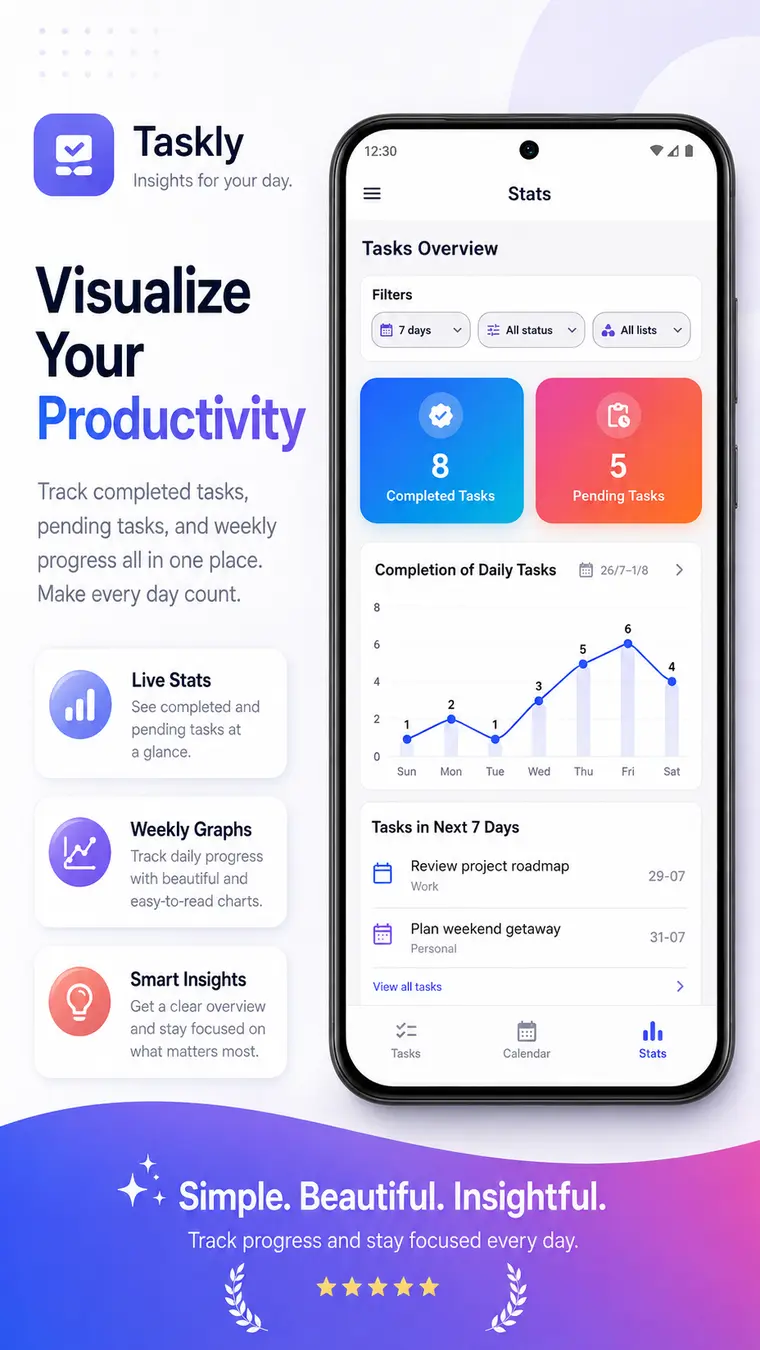
- Check your stats. If your app tracks completed tasks, look for patterns, such as which days you got the most done.
Part 3: Plan (10 minutes)
- Check next week's calendar. Note meetings, deadlines, birthdays and travel.
- Choose three weekly goals. Not tasks, outcomes: "Finish the proposal," "Go for three walks," "Sort out insurance."
- Break goals into tasks. Add the first steps to your to-do list with dates.
- Set reminders. Especially for birthdays, bills and appointments.
Reflection questions to rotate
- What am I proud of this week?
- What took longer than expected, and why?
- What did I say yes to that I should have declined?
- Which task did I keep postponing? What's the real first step?
- Am I spending time on what matters to me?
Keep it light
A weekly review isn't a performance review. If you only have ten minutes, do Part 1 only. Clearing your list is the most valuable part.
Tools that help
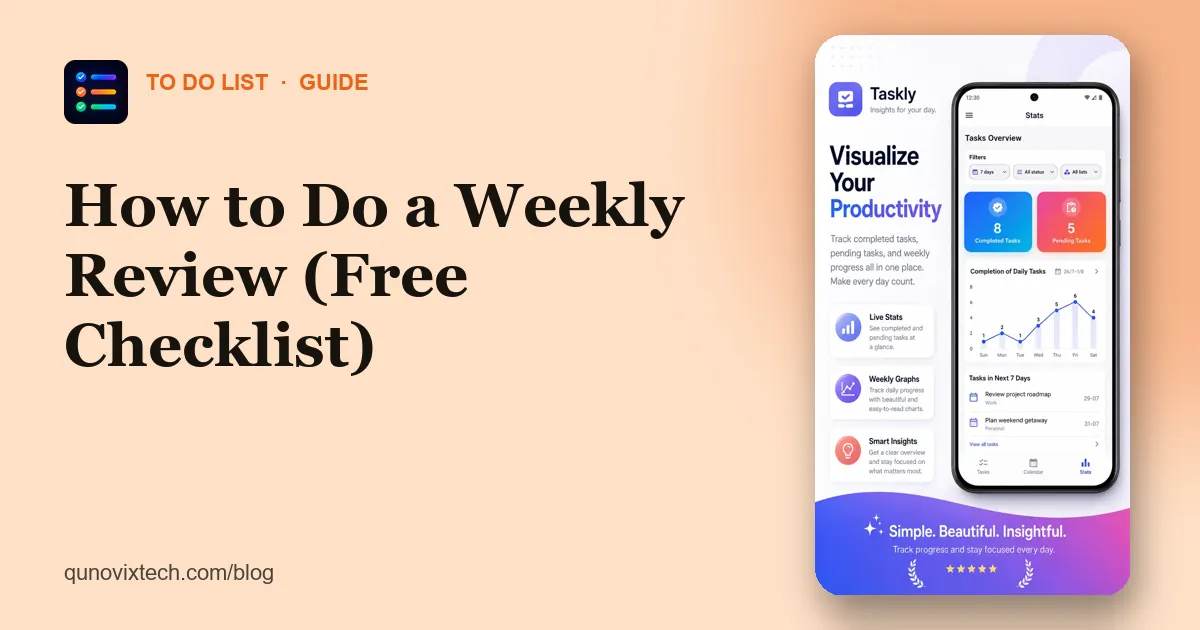
You need three things: a to-do list with dates, a calendar and a place for notes. A to-do app like To Do List keeps tasks, birthdays and reminders together, and its statistics screen shows completed tasks over the week, which makes the reflection step easy.
Pair your weekly review with a short daily planning routine and you'll rarely feel like things are slipping.
Key takeaways
- A weekly review keeps your to-do list current and your week focused.
- Follow three parts: clear, reflect and plan.
- Choose three weekly outcomes, then add the first tasks with dates.
- Schedule it as a repeating appointment so it actually happens.
Frequently asked questions
How long should a weekly review take?
Around 30 minutes. If you're short on time, spend ten minutes clearing your to-do list.
What day is best for a weekly review?
Friday afternoon, Sunday evening or Monday morning all work. Choose the time you can protect every week.
What's the difference between a weekly review and weekly planning?
Planning looks ahead. A weekly review also looks back, clearing old tasks and reflecting on what worked.
Do I need GTD to do a weekly review?
No. The weekly review works with any to-do list method.

We're an independent app studio in Pune, India. We build To Do List: Tasks & Reminders and write these guides from what we learn making it and from the questions our users send us. Spotted an error? Email qunovixtechnologies@gmail.com.