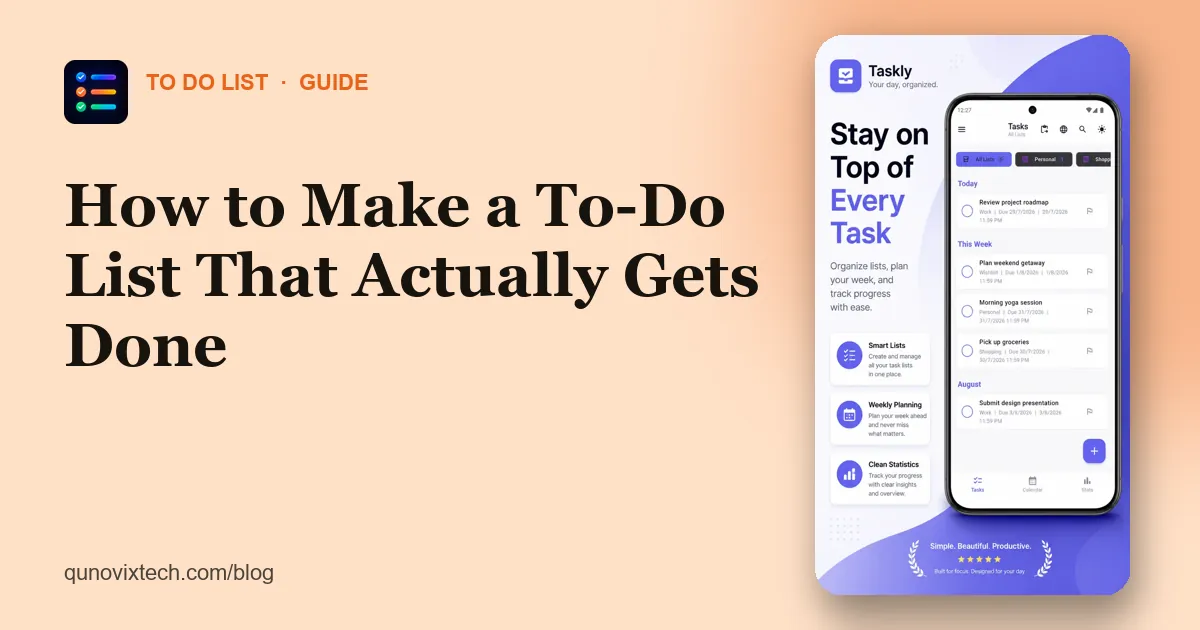
How to Make a To-Do List That Actually Gets Done
Most to-do lists grow faster than they shrink. Learn how to make a to-do list that works, with clear tasks, priorities, realistic limits and smart reminders.
- The five mistakes that make to-do lists fail
- A step-by-step way to write a list you'll actually finish
- How to split lists by area of life and use reminders well
A to-do list should make life calmer. Too often it does the opposite: a long, guilt-inducing list that grows every day while the important things sit untouched. The problem usually isn't the list itself. It's how the list is written.
Here's how to make a to-do list that actually gets done.
Why most to-do lists fail
- Vague tasks. "Taxes" isn't a task. It's a project. You can't tick it off, so it sits there forever.
- No priorities. When everything has equal weight, you naturally pick the easiest items, not the most important.
- Too many items. A list of 30 tasks for one day guarantees you'll feel behind.
- One giant list. Work, shopping, home repairs and birthday gifts all mixed together make it hard to see what to do now.
- No timing. Tasks without dates or reminders depend entirely on your memory.
How to make a to-do list in 6 steps
- Brain-dump everything. Write down every task on your mind, big or small. Getting it out of your head is a relief in itself.
- Turn projects into next actions. Rewrite vague items as physical, specific actions. "Taxes" becomes "Download Form 16 from the company portal."
- Sort into lists. Separate tasks by area: work, personal, shopping, home. Different contexts need different lists.
- Pick today's priorities. Choose one to three tasks that would make today a success. Mark them as high priority.
- Add dates and reminders. Give time-sensitive tasks a due date and a reminder so your phone remembers for you.
- Review at the end of the day. Tick off what's done, move what isn't and pick tomorrow's priorities.
Write tasks the right way
The way you word a task affects whether you do it. A good task:
- Starts with a verb: call, email, buy, book, write, pay.
- Is specific: "Email Ravi the revised quote" rather than "Ravi."
- Is small enough to finish in one sitting. If it takes more than an hour or two, break it down.
- Includes what you need: a phone number, a link or a store name saves time later.
| Vague task | Actionable task |
|---|---|
| Dentist | Call Smile Dental to book a check-up for next week |
| Website | Write the About page draft (300 words) |
| Mum's birthday | Order flowers for Mum's birthday by Thursday |
| Car | Book car service online for Saturday morning |
Keep separate lists for different parts of life
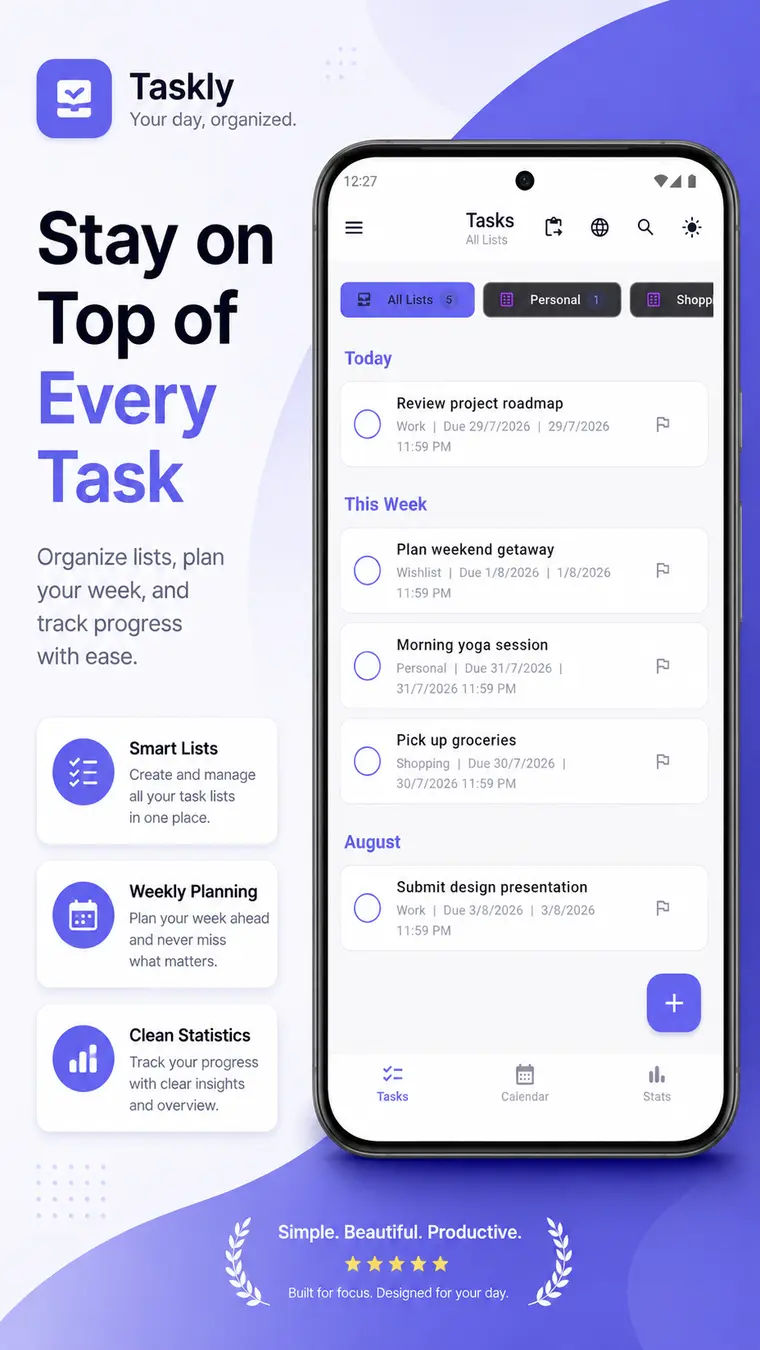
A single list mixes urgent work tasks with "buy light bulbs." Separate lists let you focus on what fits your current situation:
- Work: today's and this week's tasks.
- Personal: errands, appointments, admin.
- Shopping: groceries and household items (see our shopping list tips).
- Wishlist: things you want to buy or try someday.
Limit today's list
Your full list can be long. Today's list should be short. A useful rule is the 1-3-5 method: one big task, three medium tasks and five small ones. That's nine items at most, which is realistic for most people.
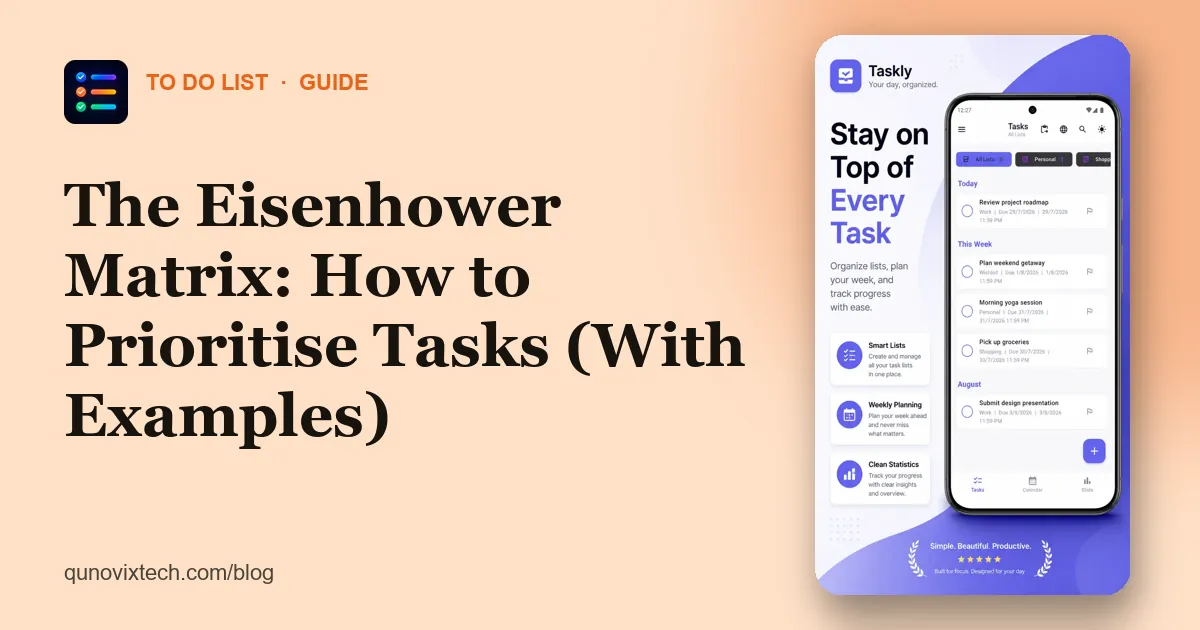
If you're unsure which tasks matter most, try the Eisenhower Matrix to sort tasks by urgency and importance.
Use reminders for anything time-sensitive
Your brain is a poor alarm clock. Anything that must happen at a specific time, such as a bill payment, a call or a pickup, should have a reminder. Choose a sound, voice or vibration you'll notice. If reminders don't arrive on time, read our guide to setting reliable reminders on Android.
Review and reset daily
A list only works if it stays current. Spend five minutes at the end of each day to:
- Tick off finished tasks (and enjoy it).
- Delete tasks that no longer matter.
- Move unfinished tasks to a new date, honestly.
- Choose tomorrow's top three.
Then, once a week, do a longer weekly review to clear out old tasks and plan ahead.
Key takeaways
- Write tasks as specific actions that start with a verb.
- Keep separate lists for work, personal, shopping and wishlists.
- Limit today's list to what you can realistically finish.
- Put reminders on anything with a deadline or time.
- Review your list for five minutes every evening.
Frequently asked questions
How many items should be on a daily to-do list?
Most people do best with three to nine items a day. Keep your full list elsewhere and only move a realistic number into today.
Is a paper or app to-do list better?
Paper is simple and satisfying. An app is better for reminders, recurring tasks, separate lists and backup. Many people use an app for tasks with dates and paper for quick daily notes.
Should I put small tasks on my to-do list?
Yes, if you might forget them. If a task takes less than two minutes, it's often faster to do it straight away than to write it down.
How do I stop my to-do list getting too long?
Review it weekly. Delete tasks that no longer matter, move "someday" ideas to a separate list and limit what goes into today.

We're an independent app studio in Pune, India. We build To Do List: Tasks & Reminders and write these guides from what we learn making it and from the questions our users send us. Spotted an error? Email qunovixtechnologies@gmail.com.