How to Never Forget a Birthday Again (A Simple System)
Forgetting birthdays is easy; remembering takes a system. Learn how to collect dates, set early reminders and plan gifts so you never miss a birthday again.
- Why relying on social media for birthdays fails
- A four-step system for remembering every birthday
- How early to set reminders, and gift ideas that are easy to arrange
Social media used to remind us about birthdays. Today many people don't share their birthdays online, notifications get buried, and important dates slip by. A simple system on your phone fixes that for good.
Why we forget birthdays
- Dates are scattered across contacts, chats, memory and old diaries.
- Social media reminders are unreliable and often arrive on the day itself.
- A same-day reminder is too late to send a gift or plan a call.
- Busy weeks push everything else out of mind.
The solution is to keep all birthdays in one place with reminders that arrive early.
How to never forget a birthday: the 4-step system
- Collect every date in one session. Spend 20 minutes going through your contacts, family group chats and old messages. Ask family members for any dates you don't know.
- Add each birthday to one app. Use a to-do or reminder app that supports birthdays, so they appear alongside your other tasks.
- Set two reminders per birthday. One a week before (to plan or order a gift) and one on the day (to call or message).
- Make it yearly. Set the reminder to repeat every year so you only do this once.
How early should birthday reminders be?
| Who | First reminder | Why |
|---|---|---|
| Partner, parents, children | 2 weeks before | Time to plan something meaningful |
| Close friends and siblings | 1 week before | Time to order a gift online |
| Colleagues and extended family | 1–2 days before | Time to write a card or message |
| Everyone | On the day, morning | Call or message early |
Use the same system for anniversaries
Wedding anniversaries, work anniversaries, the day you moved into your home: all of these benefit from yearly reminders. Add them the same way.
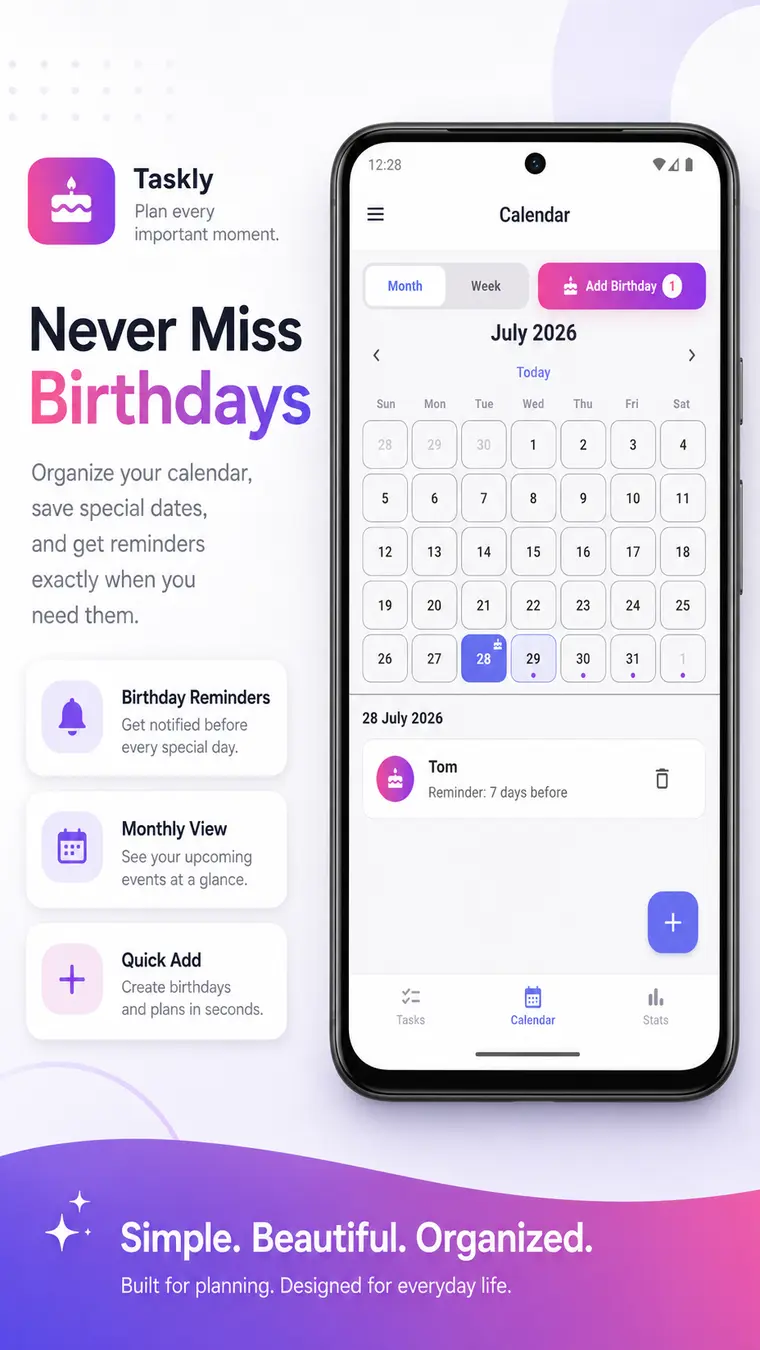
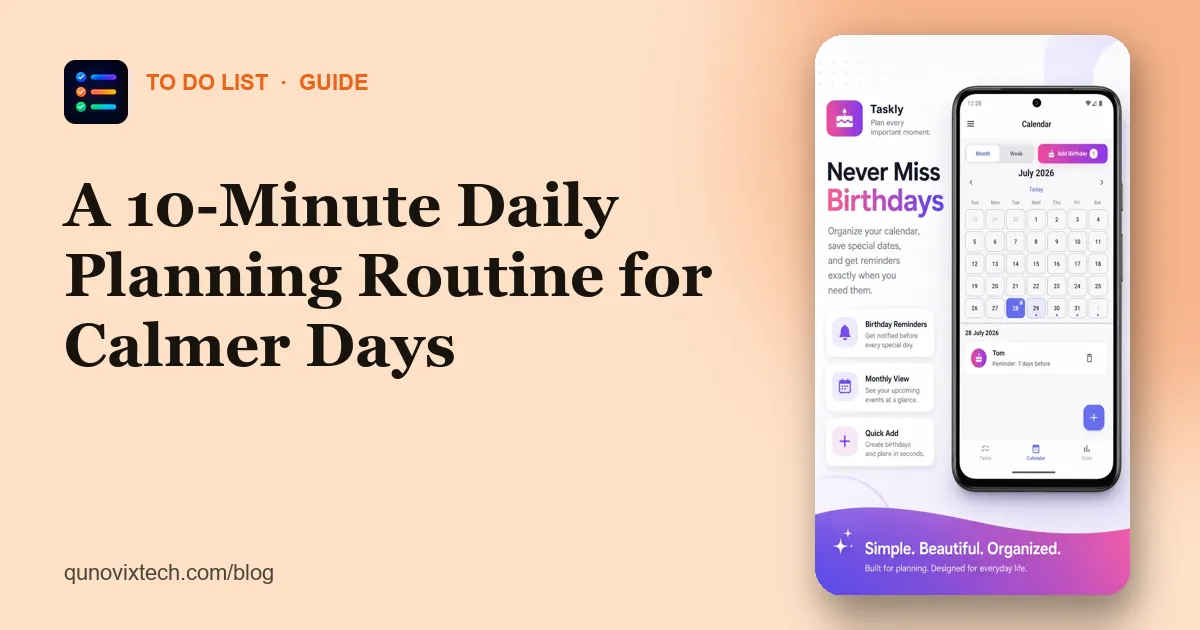
A to-do app with a dedicated birthday feature, like To Do List, keeps birthdays visible on a calendar and reminds you automatically every year.
Make the reminder actionable
A good birthday reminder tells you what to do:
- "Order flowers for Mum's birthday (Sat)"
- "Call Arjun, his birthday today"
- "Book a table for anniversary dinner"
Add notes like gift ideas you've heard them mention during the year. When the reminder fires, you already know what to do.
Quick gift ideas that don't need much planning
- A handwritten message or voice note.
- An experience: a meal, a class or a day out.
- Something they mentioned wanting (keep a "gift ideas" list).
- A photo book or framed photo of a shared memory.
- A donation to a cause they care about.
Keep a wishlist in your to-do app for each important person and add ideas whenever you hear them.
If you do forget
It happens. Send a sincere late message. Something like "I'm sorry I missed your birthday, I hope it was wonderful. Can I take you out for coffee this week to celebrate?" is far better than nothing. Then add their birthday to your system straight away.
Make sure reminders actually arrive
Birthday reminders are useless if they don't ring. If your phone delays notifications, check battery and alarm permissions with our guide to setting reminders on Android.
Key takeaways
- Keep all birthdays in one app, not scattered across contacts and social media.
- Set an early reminder for planning and a same-day reminder for calling.
- Make reminders repeat yearly and include what to do.
- Keep a gift ideas list for the people who matter most.
Frequently asked questions
What's the best way to remember birthdays?
Store all birthdays in one reminder or to-do app with yearly repeating reminders, including one a week early.
How do I add birthdays to my phone?
Use a to-do app with a birthday feature or create a yearly repeating reminder for each person.
How far in advance should I set a birthday reminder?
A week before for most people, two weeks for close family and partners, plus a reminder on the day.
Can I get birthday reminders without social media?
Yes. A to-do or reminder app on your phone doesn't depend on anyone sharing their birthday online.

We're an independent app studio in Pune, India. We build To Do List: Tasks & Reminders and write these guides from what we learn making it and from the questions our users send us. Spotted an error? Email qunovixtechnologies@gmail.com.