Photography Client Management: Keep Every Client Detail in One Place
Good client management means faster replies and more repeat bookings. Learn what to record for each client and simple ways to stay organised.

- What to record for each client and booking
- How to find any client detail in seconds
- Habits that lead to repeat bookings and referrals
Your clients are your business. Remembering their names, dates, preferences and payment status makes every interaction smoother, and makes clients more likely to book again and refer friends.
What to record for each client
| Detail | Why it matters |
|---|---|
| Name and phone | The basics |
| WhatsApp and email | How they prefer to be contacted |
| Event type and date | What you're shooting and when |
| Venue and address | Travel planning and maps |
| Package and payments | Avoid billing confusion |
| Key people | Couple's names, family members, contact person on the day |
| Preferences | Style, must-have shots, things to avoid |
| Source | How they found you (referral, Instagram, website) |
Find anything in seconds
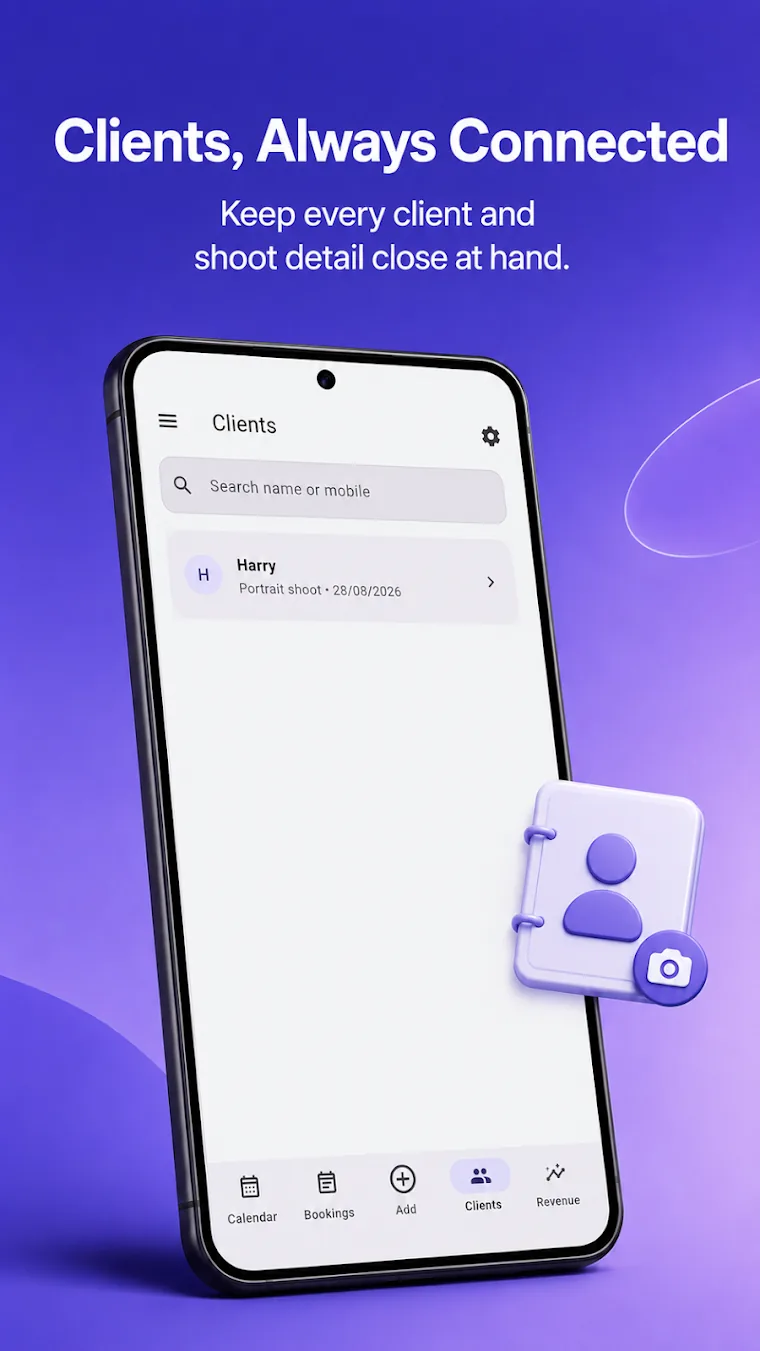
When a client calls, you want their booking in front of you immediately. A searchable system lets you look up by:
- Client name
- Phone number
- Event type
- Venue
- Date
How to organise your clients
- Move all client details into one app. Stop relying on chat history.
- Attach clients to bookings. Each booking holds the client's contact details.
- Add notes after every call. Preferences, changes and promises.
- Record payments as they happen. See photography advance payments.
- Set reminders for follow-ups and anniversaries.
- Protect the data. Use an app lock and back up regularly.
Habits that lead to repeat bookings
- Remember the details. Mentioning a past event or a family member's name shows you care.
- Deliver on time. Reliability is one of the strongest drivers of referrals.
- Follow up after delivery. Ask for feedback and a review.
- Stay in touch. A message on a wedding anniversary, or a reminder before a baby's first birthday, can lead to new bookings.
Protecting client privacy
Client phone numbers, addresses and payment details are personal information. Keep them secure:
- Use a phone lock and an app lock.
- Don't share client details in group chats unnecessarily.
- Store backups in an account only you control.
- Delete details you no longer need.
All in one place
LensDesk keeps client phone, WhatsApp and email with each booking, lets you search by client, phone, event, venue or date, and opens calls, maps and ready-to-send messages in a tap. Your live business data stays in the app's private local database, with an optional app lock. For message ideas, see WhatsApp templates for photographers.
Key takeaways
- Record contacts, event details, payments, key people and preferences.
- Keep it searchable by name, phone, event, venue and date.
- Add notes after calls and record payments immediately.
- Protect client data and nurture relationships for repeat bookings.
Frequently asked questions
How do photographers manage clients?
By keeping all client details, bookings, payments and notes in one searchable system.
What client information should a photographer keep?
Contact details, event information, venue, package, payments, key people and preferences.
How can I get more repeat clients?
Deliver reliably, remember personal details, follow up after delivery and stay in touch on special dates.
Is it safe to store client data on my phone?
It can be, with a phone lock, app lock and secure backups in an account only you control.

We're an independent app studio in Pune, India. We build LensDesk-Photographer Calendar and write these guides from what we learn making it and from the questions our users send us. Spotted an error? Email qunovixtechnologies@gmail.com.