How to Take Progress Photos That Actually Show Your Progress
Progress photos reveal changes the scale misses. Learn how to take consistent progress photos: poses, angles, lighting, how often, and keeping them private.
- Why progress photos catch changes the scale can't
- A setup for consistent lighting, angles and poses
- How often to take them and how to store them privately
The scale tells you one number. It can't tell you that your waist is smaller, your shoulders look stronger or your posture has improved. Progress photos can. When the scale is stuck, comparing photos from a month apart is often the most motivating thing you can do.
Why progress photos are worth it
- They show body composition changes. If you're building muscle while losing fat, your weight may change slowly even though you look different.
- They're honest. You see yourself every day in the mirror, so gradual changes are invisible. Photos weeks apart make them obvious.
- They're motivating during a weight-loss plateau.
How to take consistent progress photos
- Pick one spot. Use the same wall or door with a plain background.
- Use the same light. Natural daylight from a window in front of you works well. Take photos at the same time of day.
- Fix the camera position. Use a timer and prop your phone at the same height, roughly chest or waist level, and the same distance away. A small mark on the floor helps.
- Wear the same clothes. Fitted clothing or swimwear works best. Baggy clothes hide changes.
- Take three angles. Front, side and back, standing relaxed with arms by your sides.
- Same conditions as your weigh-in. Morning, before eating, makes photos comparable.
The three standard poses
| Pose | How to stand | What it shows |
|---|---|---|
| Front | Feet hip-width apart, arms relaxed | Waist, shoulders, overall shape |
| Side | Turn 90°, arms relaxed or slightly forward | Stomach, posture, back |
| Back | Facing away, arms relaxed | Back, shoulders, hips |
Stand naturally. Don't suck in your stomach in one photo and relax in another, or the comparison won't be fair.
How often should you take them?
Every two to four weeks is plenty. Weekly photos change too little to notice and can be discouraging. Monthly photos, taken on the same date, build a clear timeline.
How to compare photos
- Put two photos side by side, at least four weeks apart.
- Compare the same pose: front with front, side with side.
- Look at outlines: waist, hips, shoulders and how clothing fits.
- Note your weight and waist measurement alongside each photo.
Keep your photos private
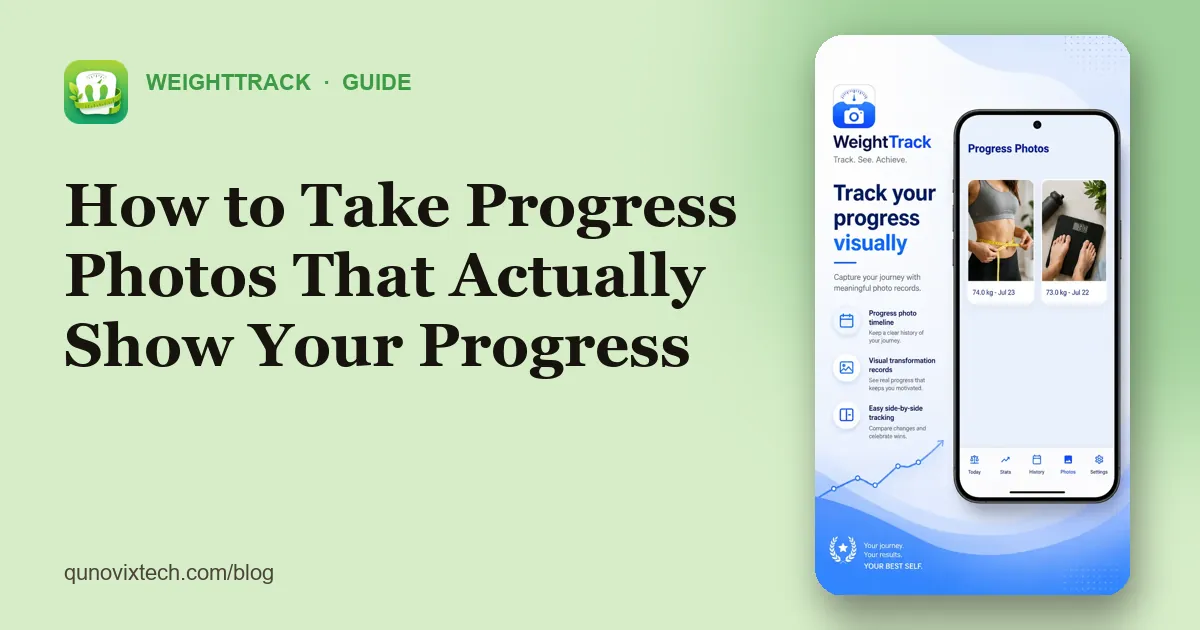
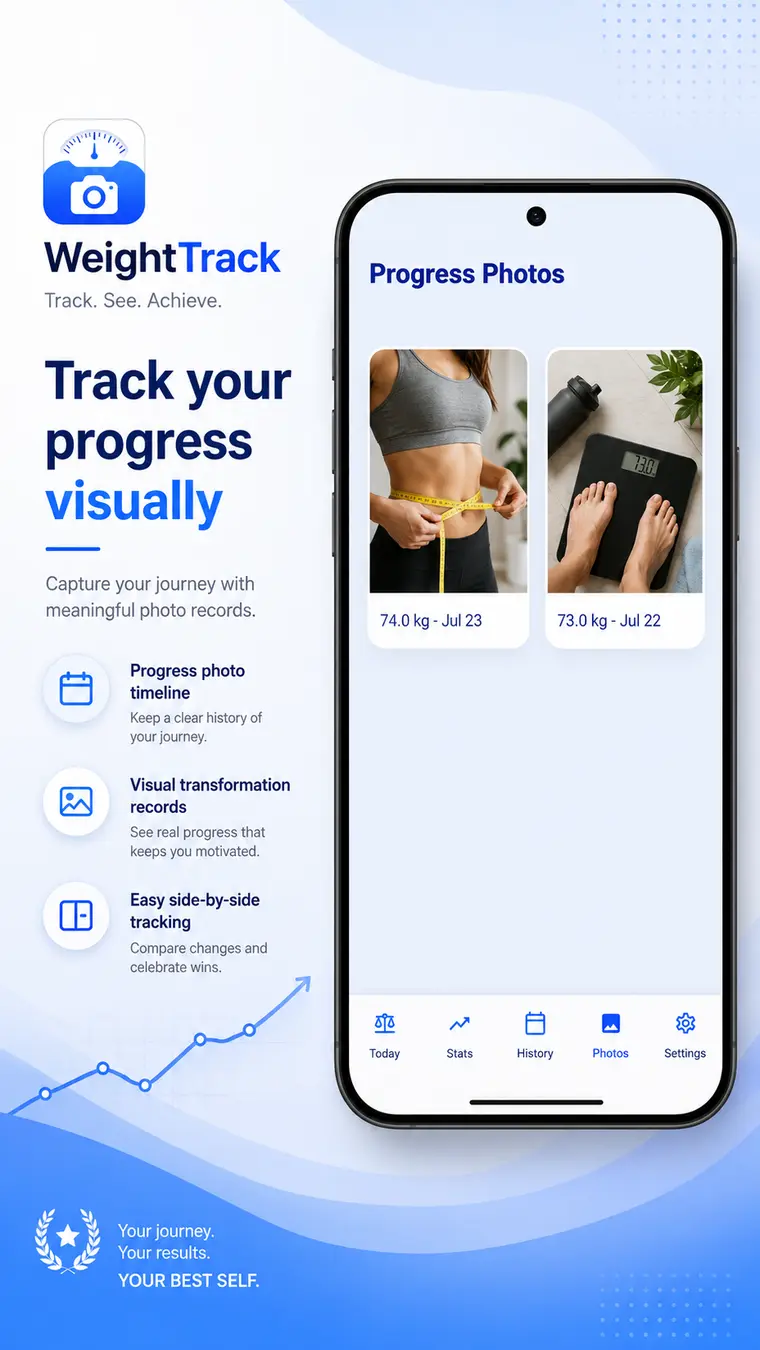
Progress photos are personal. Keep them out of your main gallery, which may sync to shared albums or the cloud automatically. A weight tracker with built-in progress photos, like WeightTrack, keeps them alongside your weigh-ins rather than mixed in with holiday pictures.
Combine photos with other measures
Photos work best as part of a bigger picture. Track:
- Weight trend (weekly averages).
- Waist measurement, taken at the same point each time.
- Fitness markers, like how far you can walk or how many push-ups you can do.
- How you feel: energy, sleep and mood.
Our guide to tracking weight-loss progress beyond the scale covers these in detail.
Key takeaways
- Progress photos reveal changes the scale misses, especially body composition.
- Use the same spot, light, camera position, clothing and time of day.
- Take front, side and back photos every two to four weeks.
- Keep photos private and compare them alongside weight and measurements.
Frequently asked questions
How often should I take progress photos?
Every two to four weeks is ideal. Changes are too small to see weekly.
What should I wear for progress photos?
Fitted clothing or swimwear, the same outfit each time, so changes in shape are visible.
Why don't I see changes in my progress photos?
Compare photos at least a month apart, in the same pose and lighting. Small changes are easier to see over longer periods.
Are progress photos better than weighing?
They measure different things. Photos show shape and body composition, while weight shows overall change. Using both gives the clearest picture.

We're an independent app studio in Pune, India. We build WeightTrack: Weight Tracker and write these guides from what we learn making it and from the questions our users send us. Spotted an error? Email qunovixtechnologies@gmail.com.