Puzzle Games for Older Adults: What to Look For
Puzzle games can be a fun part of later life. Learn which features make games easy for older adults, from big text to no timers, plus tips to get started.
- Which game features make phones easier for older players
- Puzzle types that are simple to learn but stay interesting
- Tips for helping a parent or grandparent get started
More older adults play mobile games than many people expect, and puzzles are among the favourites. The right game is easy to start, comfortable to see and play, and interesting enough to come back to.
Features to look for
| Feature | Why it helps |
|---|---|
| No timers | Play at your own pace without stress |
| Large, clear visuals | Easier on the eyes |
| Simple controls (tap or drag) | No complicated gestures |
| Short levels | Easy to stop anytime |
| Hints and undo | Fewer frustrating dead ends |
| Offline play | Works anywhere, no Wi-Fi setup |
| Few pop-ups | Less confusion |
Good puzzle types for beginners
Arrow puzzles
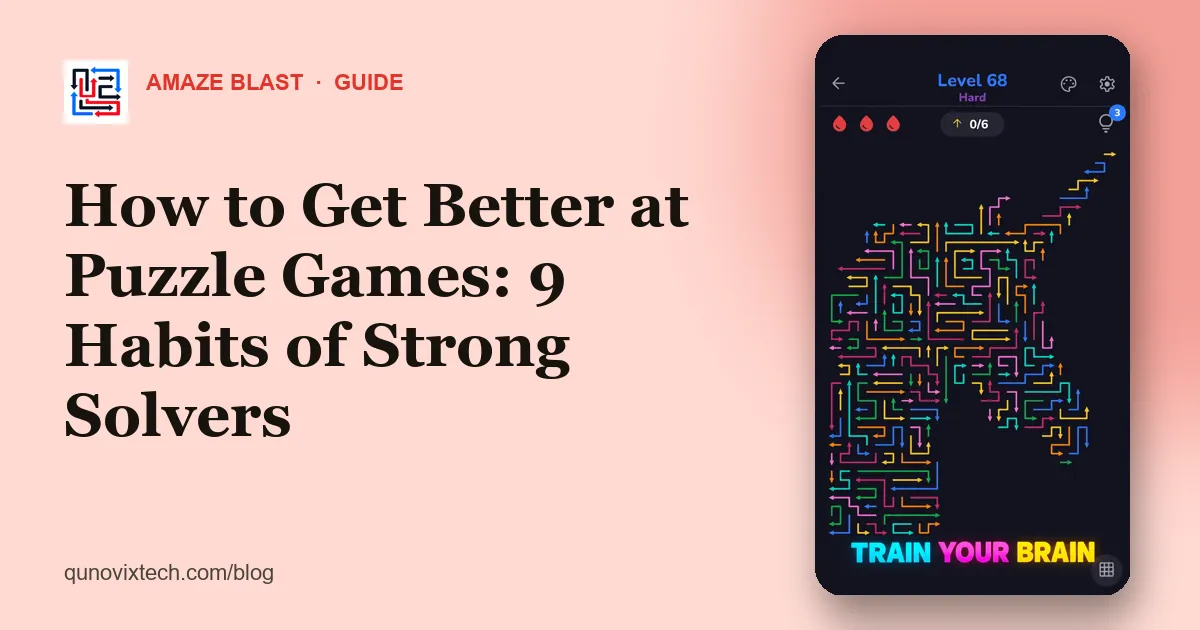
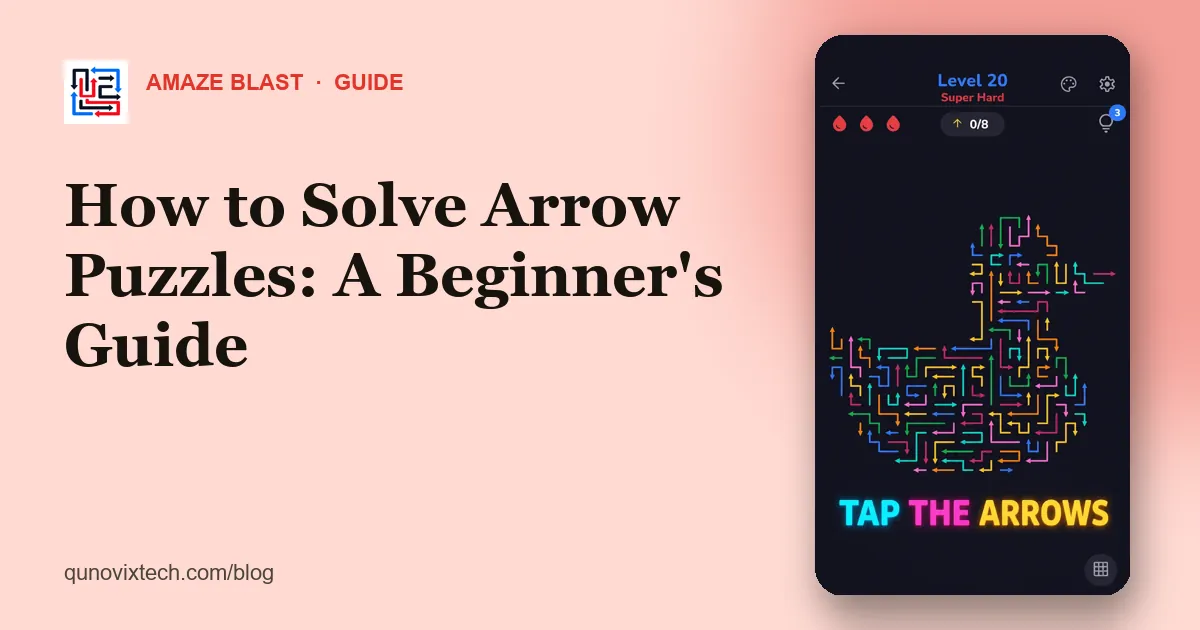
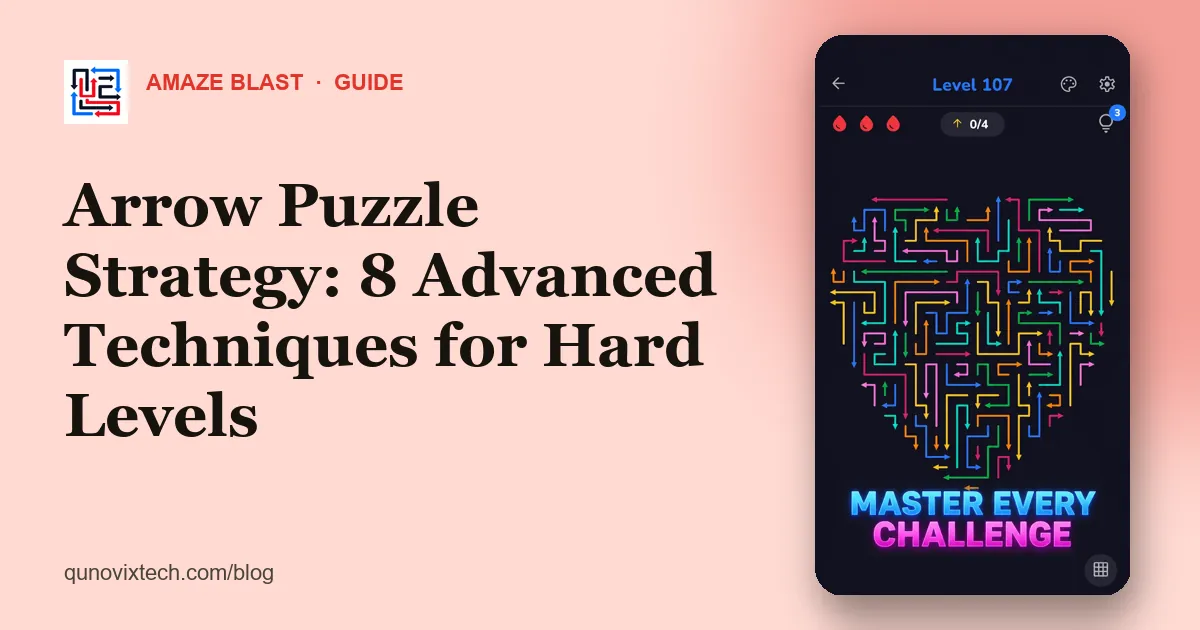
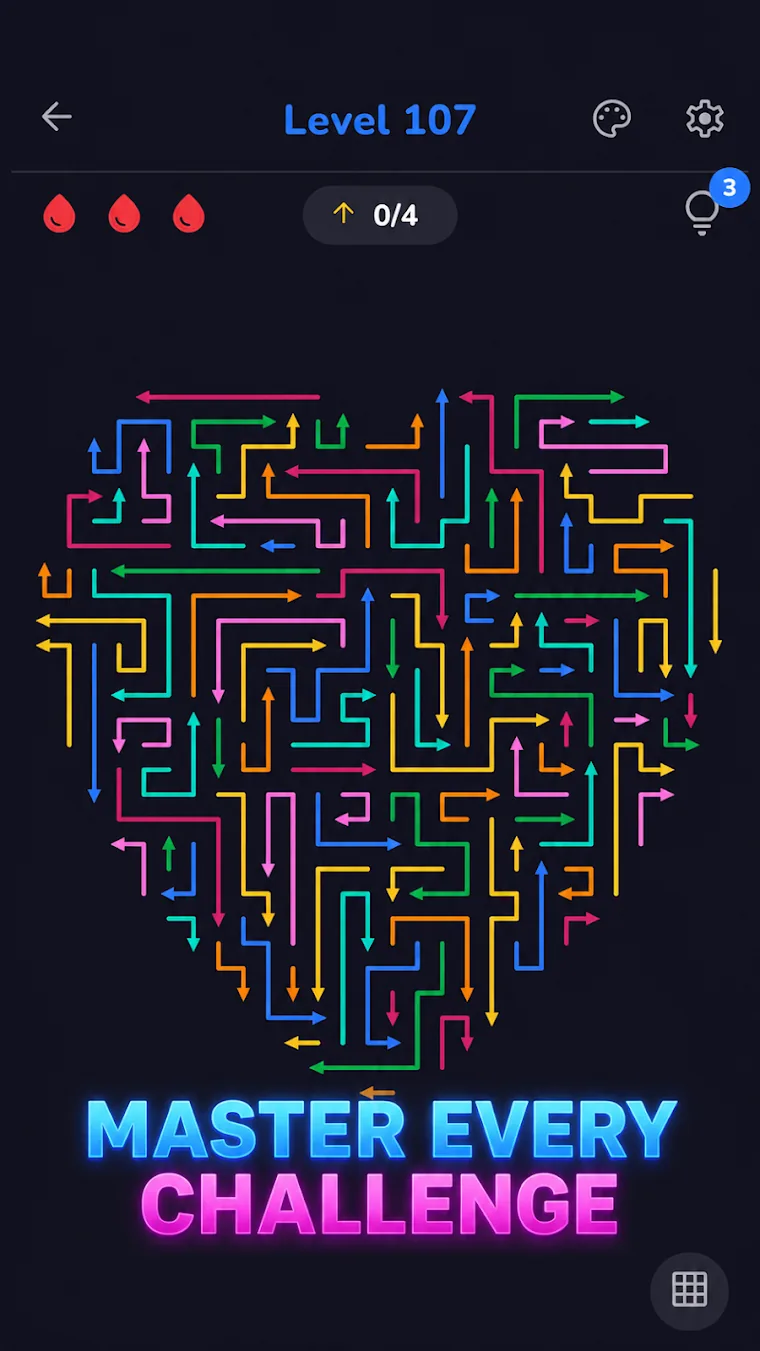
One rule (tap an arrow to slide it out) and endless variety. Amaze Blast has no timers, one-tap controls and hints. See how to solve arrow puzzles.
Block puzzles
Drag-and-drop pieces onto a grid. Calm and easy to understand. See how to play block puzzle.
Sorting puzzles
Tap to pour colours between bottles. Visual and relaxing. See how to play water sort.
Classic puzzles
Sudoku, crosswords and word searches are familiar from newspapers and translate well to phones.
Make the phone easier to use
- Increase text size. In Android Settings → Display (or Accessibility), raise the font and display size.
- Increase brightness. Or use a theme with strong contrast.
- Turn on vibration feedback if it helps confirm taps.
- Put the game on the home screen so it's easy to find.
- Use Do Not Disturb during play to avoid confusing interruptions.
Helping a parent or grandparent start
- Install one game, not five. Too many choices can overwhelm.
- Play the first level together. Show the basic move, then let them try.
- Explain ads. Show how to close an ad and that tapping it isn't required.
- Check in after a few days. Answer questions and help with settings.
- Play together. Taking turns on a level can be a lovely shared activity.
Puzzles as part of an active life
Puzzles are an enjoyable mental activity. For overall wellbeing, combine them with physical activity, social time and learning new things. Read are puzzle games good for your brain? for an honest look at the research.
Key takeaways
- Look for no timers, clear visuals, simple controls, hints and offline play.
- Arrow, block and sorting puzzles are easy to learn and stay interesting.
- Larger text, brighter screens and Do Not Disturb make phones easier to use.
- Start with one game, play together and explain ads.
Frequently asked questions
What are good phone games for seniors?
Untimed puzzles with simple controls, such as arrow, block and sorting puzzles, plus classics like Sudoku and crosswords.
Are puzzle games good for older adults?
They're an enjoyable mental activity. Combined with physical and social activity, they can be part of a healthy routine.
How can I make a phone easier for an older person to use?
Increase text and display size, raise brightness, simplify the home screen and turn on Do Not Disturb when needed.
Do puzzle games need the internet?
Many don't. Amaze Blast works offline.

We're an independent app studio in Pune, India. We build Amaze Blast: Arrow Puzzle and write these guides from what we learn making it and from the questions our users send us. Spotted an error? Email qunovixtechnologies@gmail.com.